




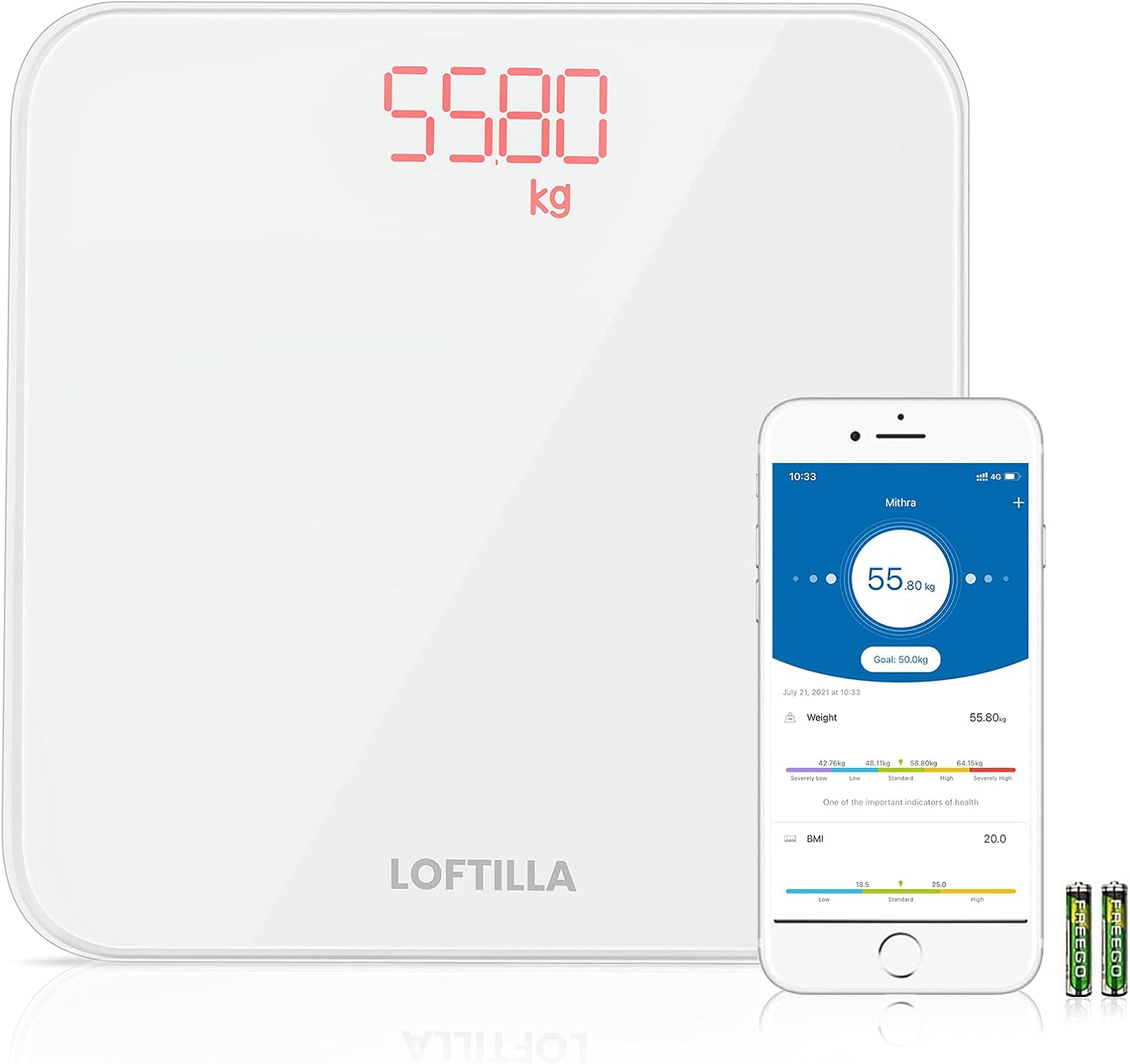

Loftilla Bathroom Scale for Body Weight BMI Scale : Health & Household
Share on:
Description
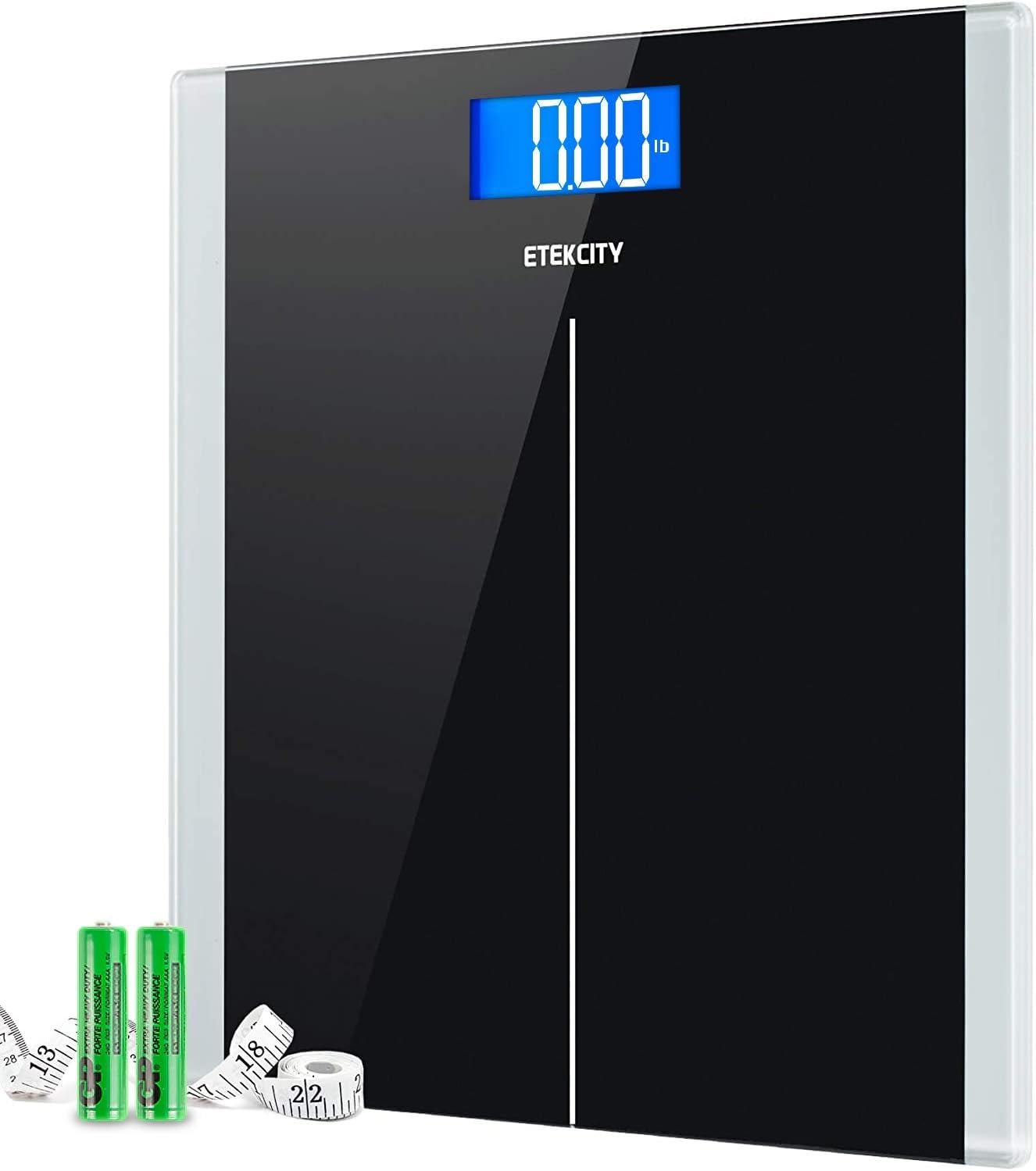
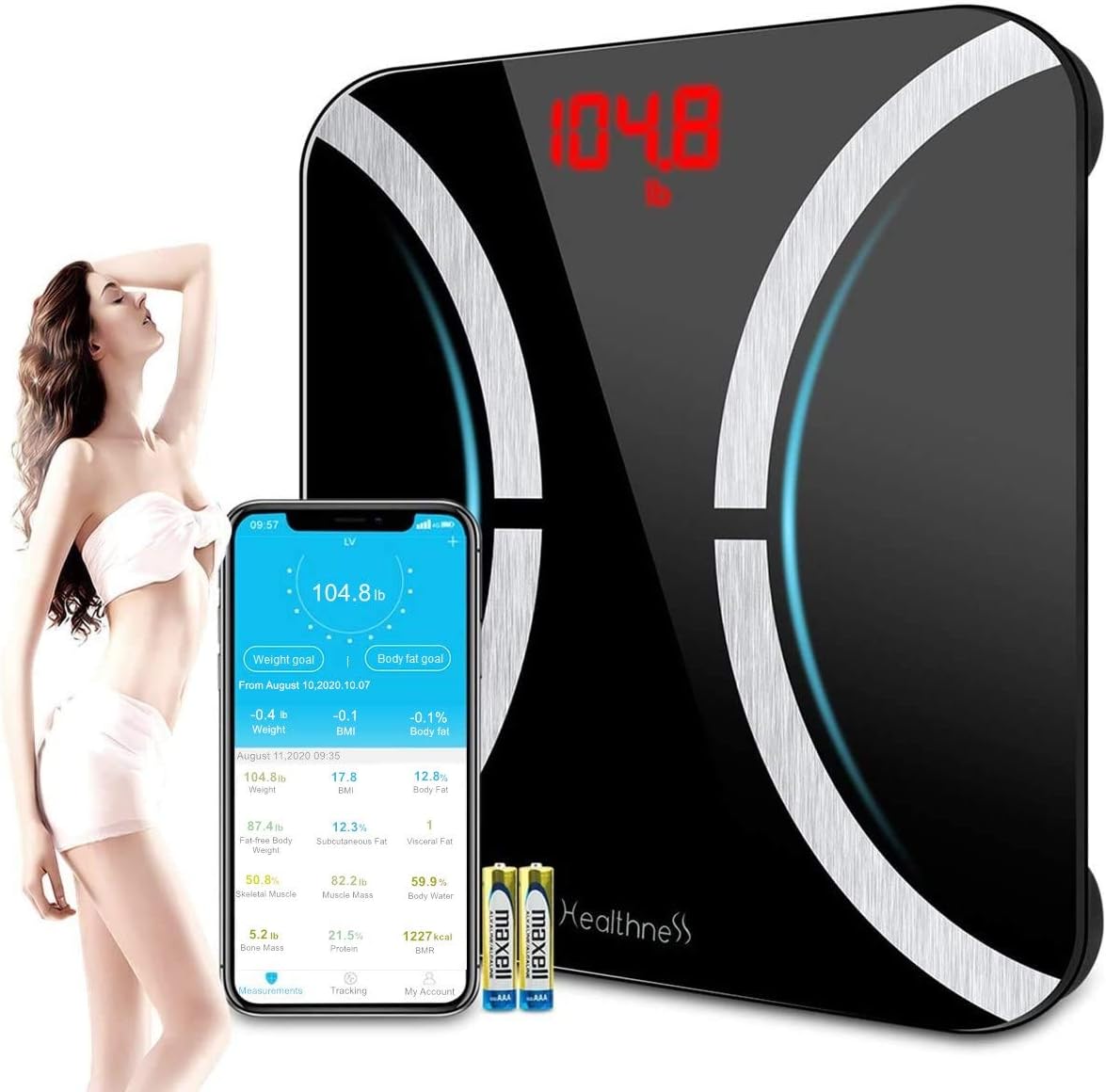
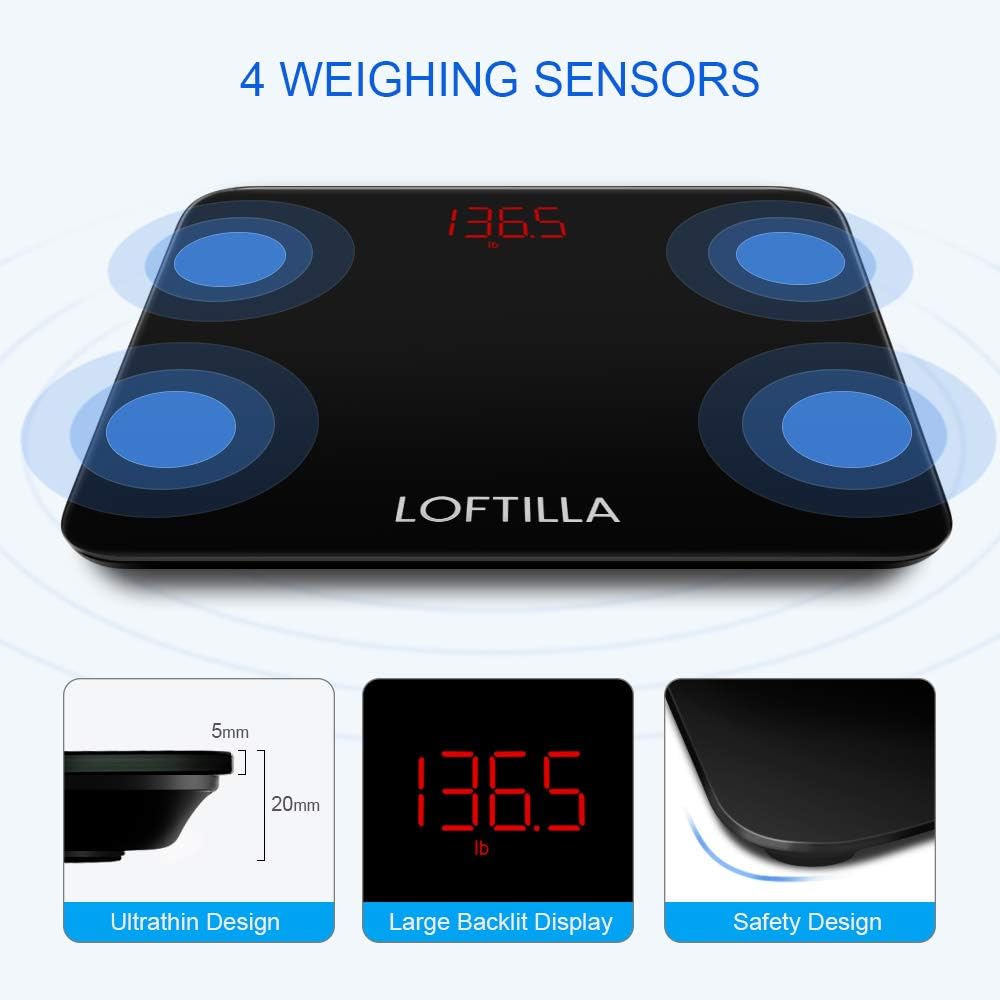
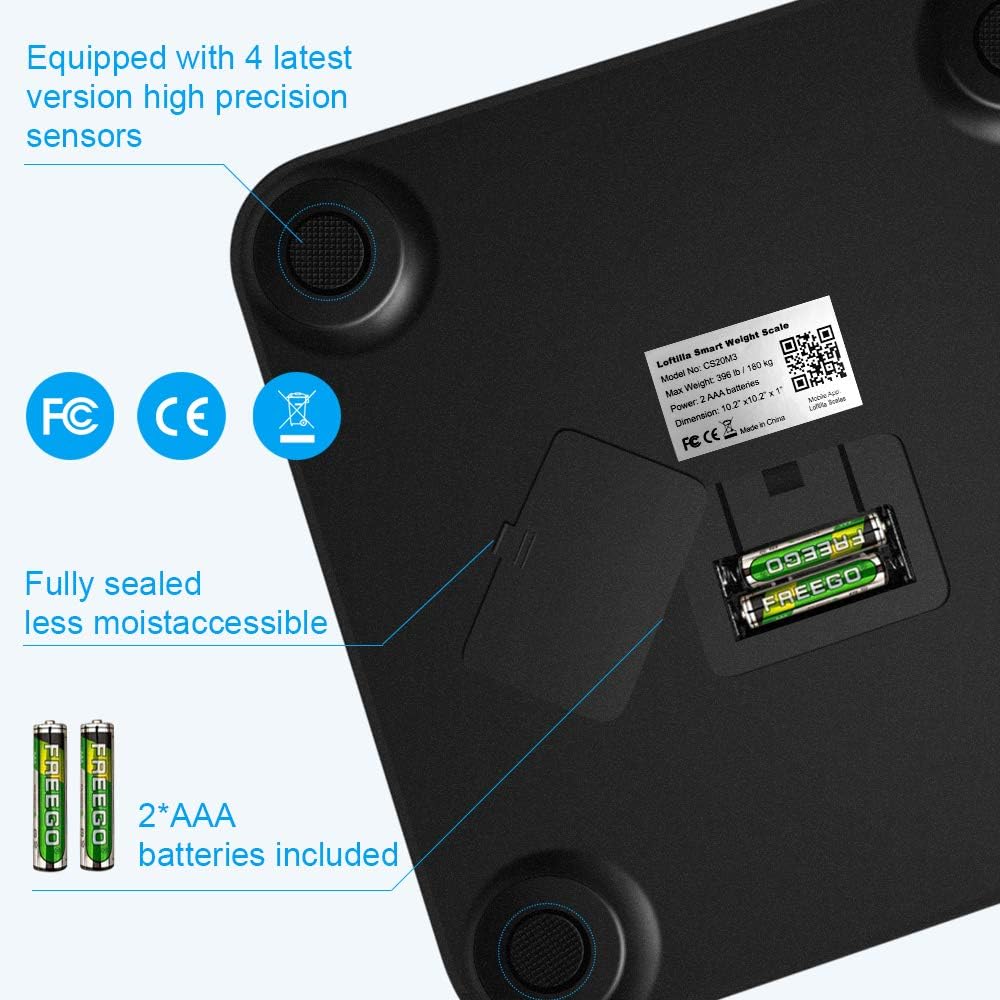
The Loftilla Bluetooth Scale is equipped with four high-precision to ensure a quick and accurate body weight & BMI data. Surface is made of 5 mm tempered glass; bottom is made of quality ABS plastic. The scale is fully sealed. The unique packaging design makes the scale more stable, less moist accessible and potentially longer use life. Easy to Start 1. Search and download Loftilla App in App Store or Google Play. 2. Turn on Bluetooth (Location permission required for Android users) in your phone and start the App. 3. Tap '+' in the upper right corner and choose 'Device management' on the 'measurements' page. The smart scale will ask you to step on the scale to turn it on, find and tap the device named ‘CS20M3’ on the pairing page. 4. Keep standing on the scale for 5-10 seconds, then you can find your weight shows in both in LED display of scale and your Mobile App, you can also get your BMI in App at the same time. For Best Use Enter actual personal information before using. Place scale on a hard, flat floor and avoid any carpet. Enable Bluetooth on your smart phone. For Android 6.0+, you must turn on location. Product DescriptionLoftilla Smart Scales not only provide your body weight but also BMI of your body. You can track weight and BMI trends in your Loftilla Plus App easily!Why BMI Matters?BMI is an easy and reliable way to tell you whether you have an excess of body fat based on your height and weight ratio.Measurement Tips:Place the scale on a hard, flat surface.Calibrate each time. Step onto the scale to turn on the scale, then step off to let the scale calibrate. Wait until you see the scale displays '0.00', then step on the scale again to measure your weight.Use the scale under the same condition during same hour each day.Open App to the 'Measurements' page before taking measurement. Easy to get started with Loftilla Digital Bathroom Scale:1. Search and download Loftilla Plus App in App Store or Google Play.2. Turn on Bluetooth (Location permission required for Android users) in your phone and start the App.3. Tap '+' in the upper right corner and choose 'Device management' on the 'measurements' page. The smart scale will ask you to step on the scale to turn it on, find and tap the device named ‘CS20M3’ on the pairing page.4. Keep standing on the scale for 5-10 seconds, then you can find your weight shows in both in LED display of scale and your Mobile App, you can also get your BMI in App at the same time. The bathroom scale is designed for using on hard, flat surfaces. Measurements will be compromised on non-ideal surfaces. Avoid carpets or soft surfaces.Body weight naturally fluctuates throughout the day. People are lighter when they wake up, heavier in the middle of the day, and lighter again towards the end of the day.1) Support Android 4.3/iOS 8.0 and above. Download Loftilla-Scales mobile app to your smart phone. 2) In your phone Settings, please turn on Bluetooth. Also enable Location service for an Android phone. 3) Create a user profile. 4) When you measure, please open Loftilla-Scales app on the Measurements screen, turn on your scale, wait for your scale back to 0.0, then step on for weighing. Your weight and BMI will be transferred to your phone.Legal Disclaimer N/A Statements regarding dietary supplements have not been evaluated by the FDA and are not intended to diagnose, treat, cure, or prevent any disease or health condition.Statements regarding dietary supplements have not been evaluated by the FDA and are not intended to diagnose, treat, cure, or prevent any disease or health condition.
Product Overview
We Recommend