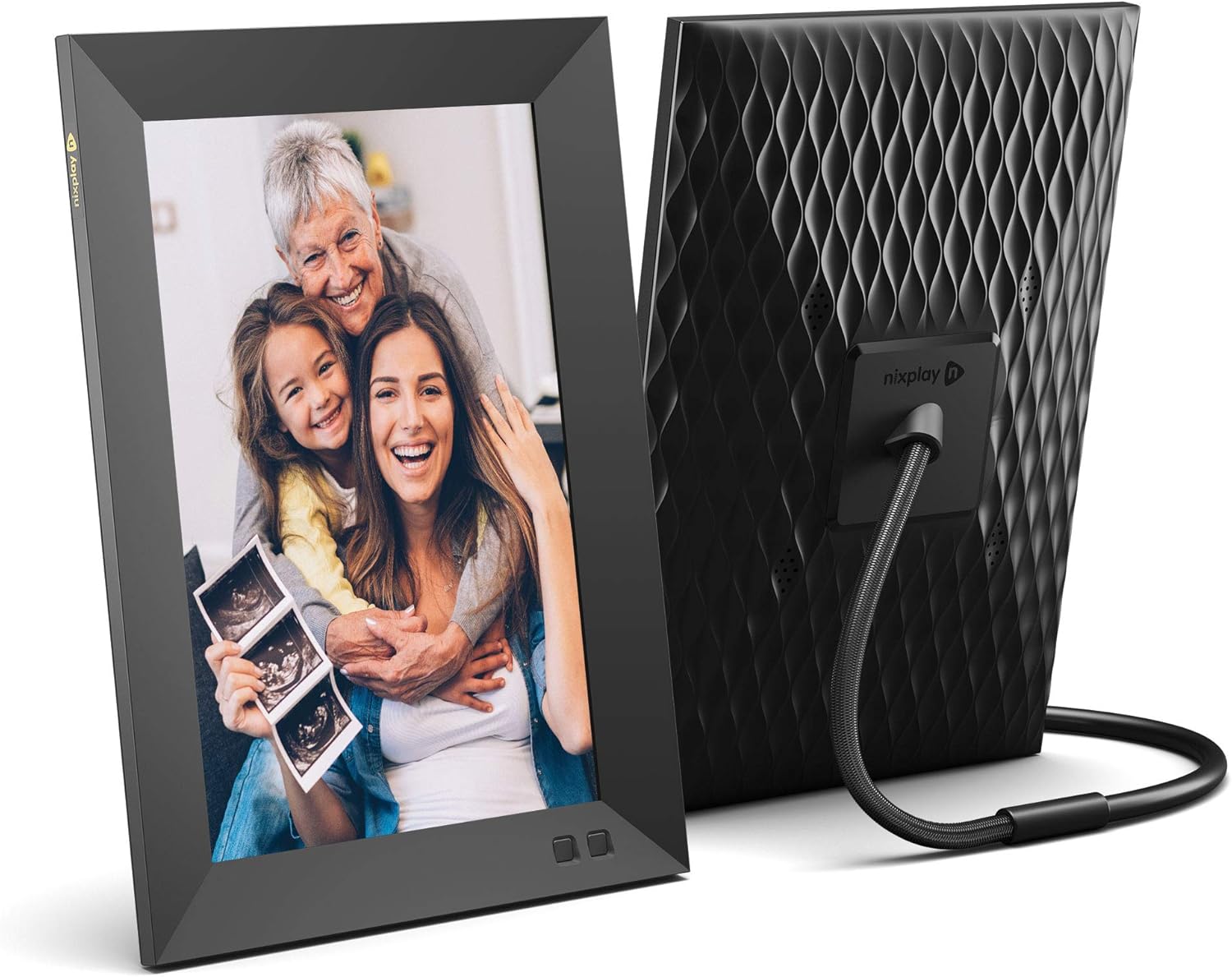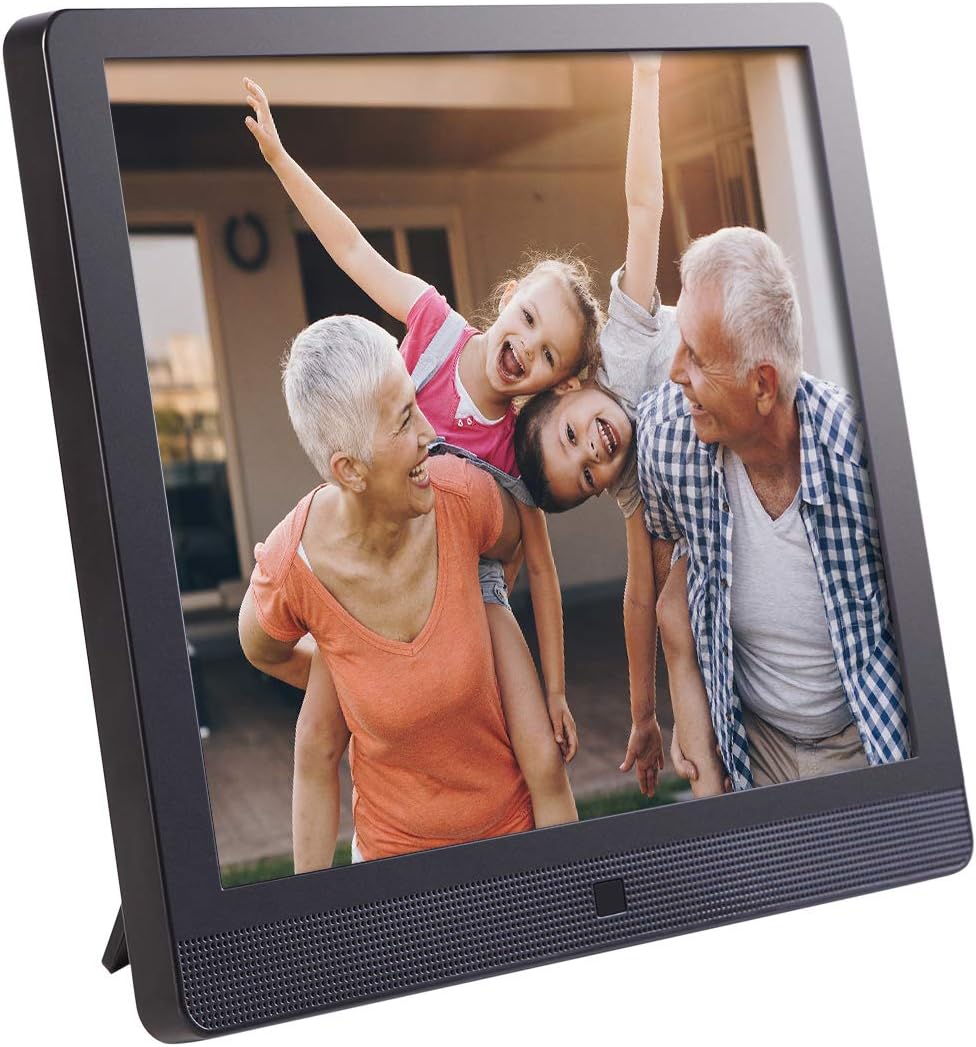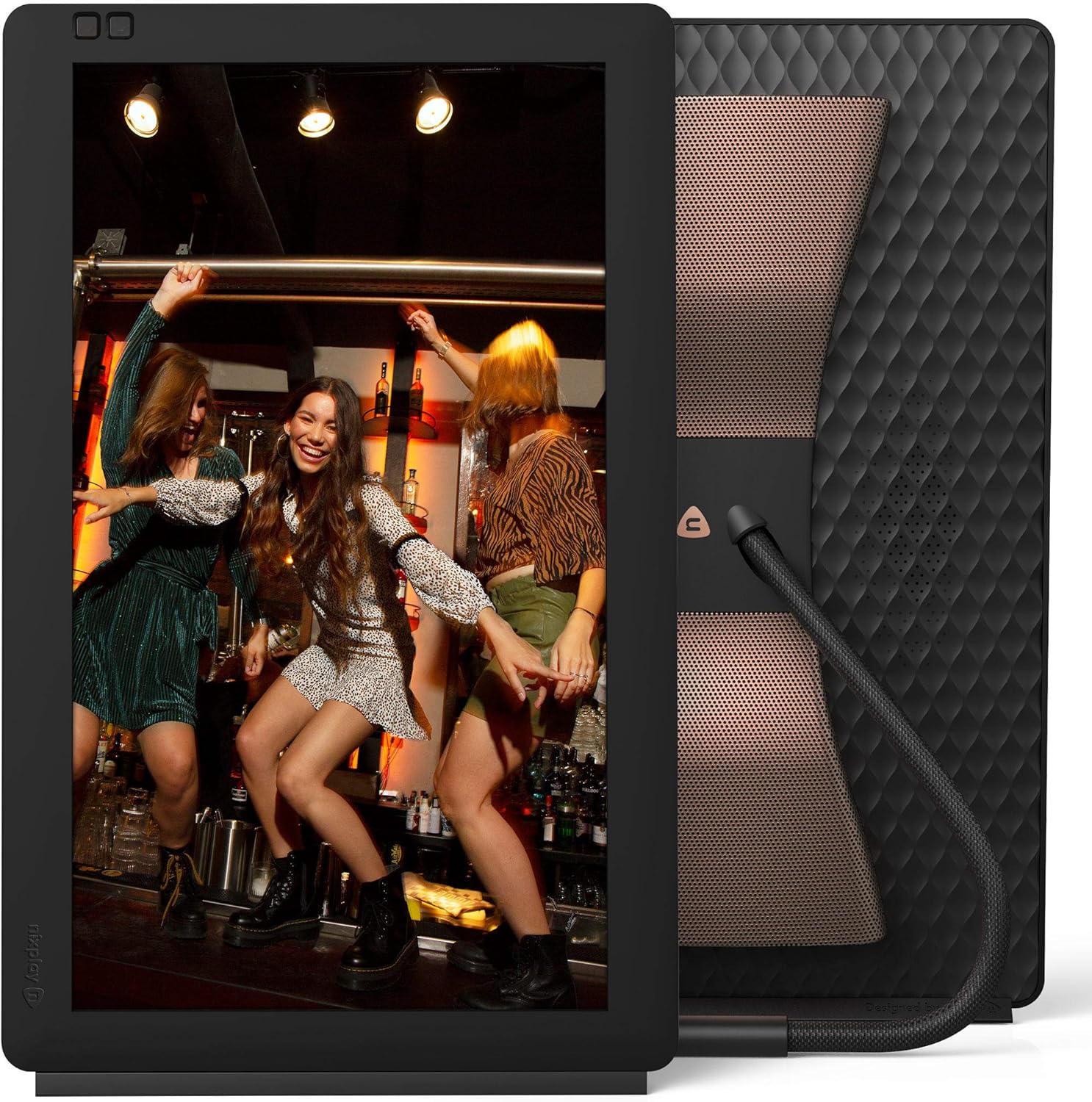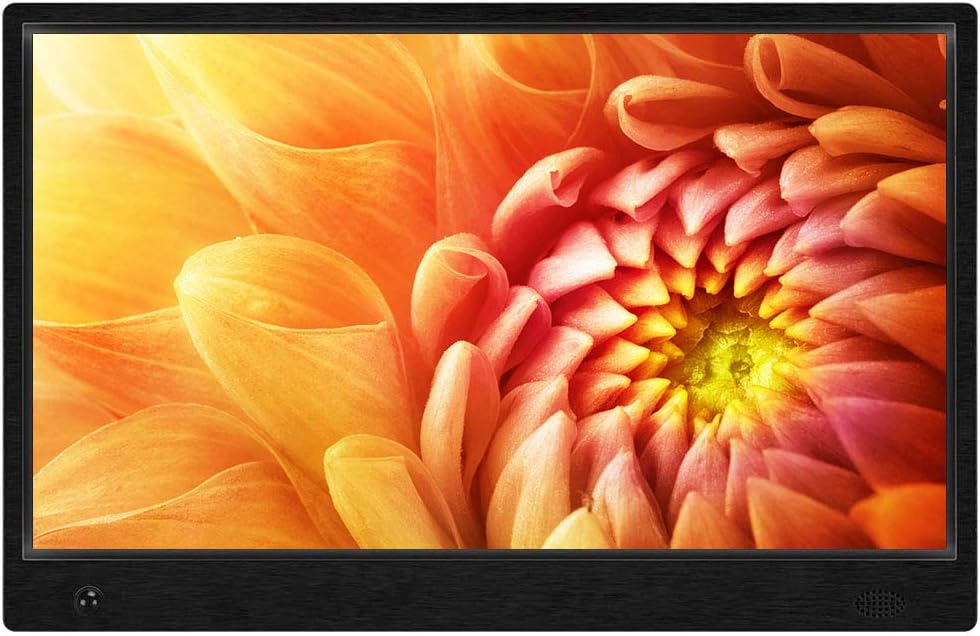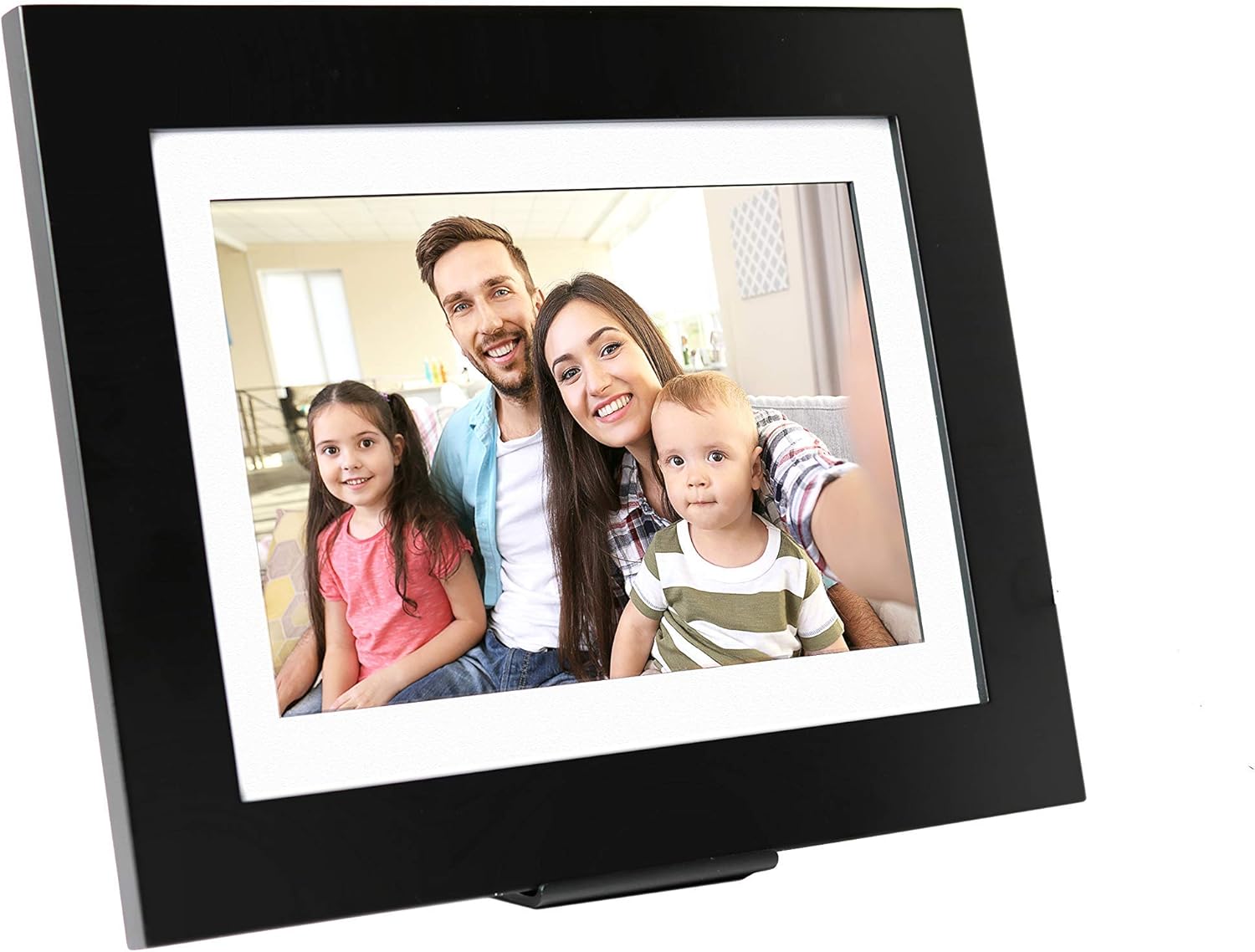

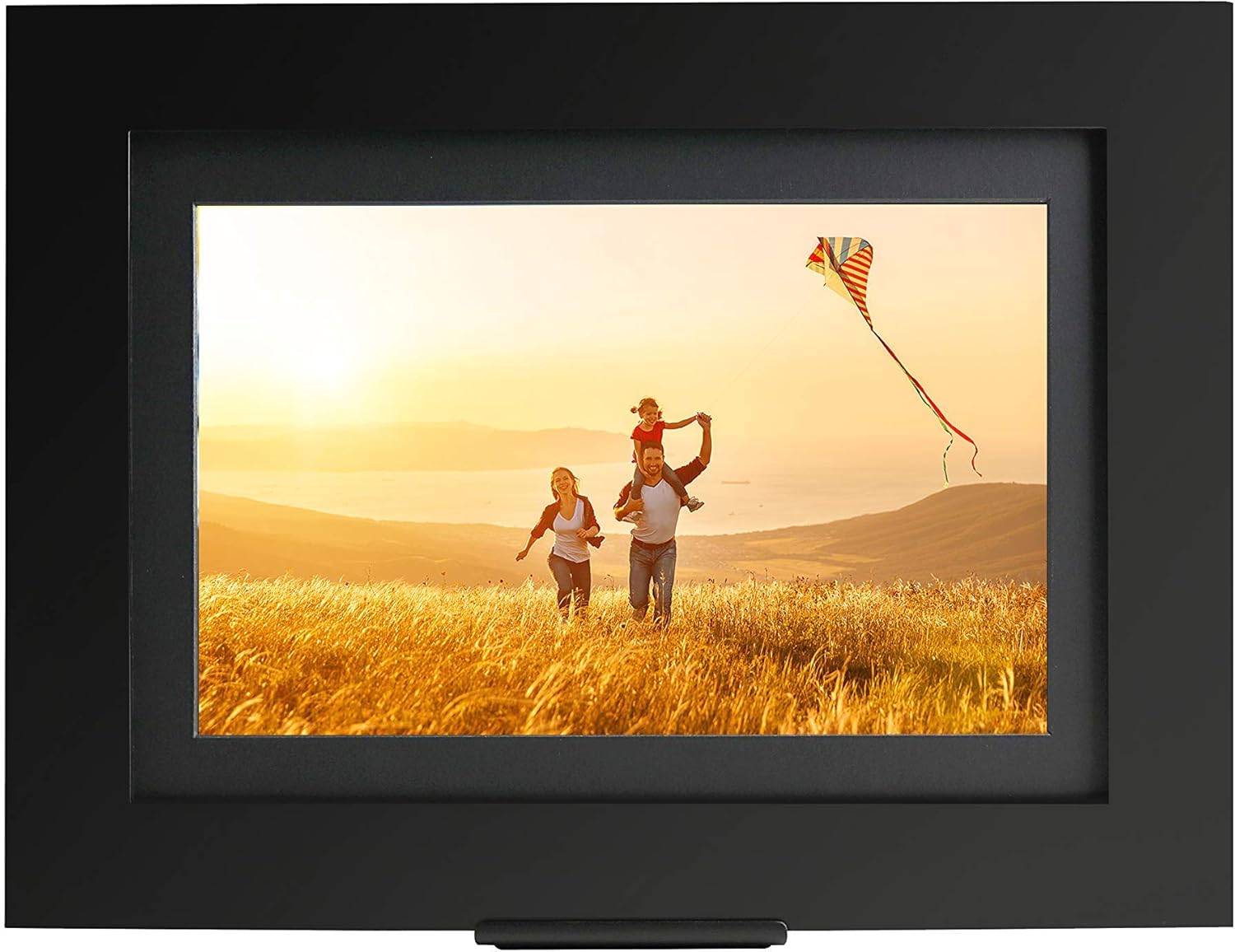
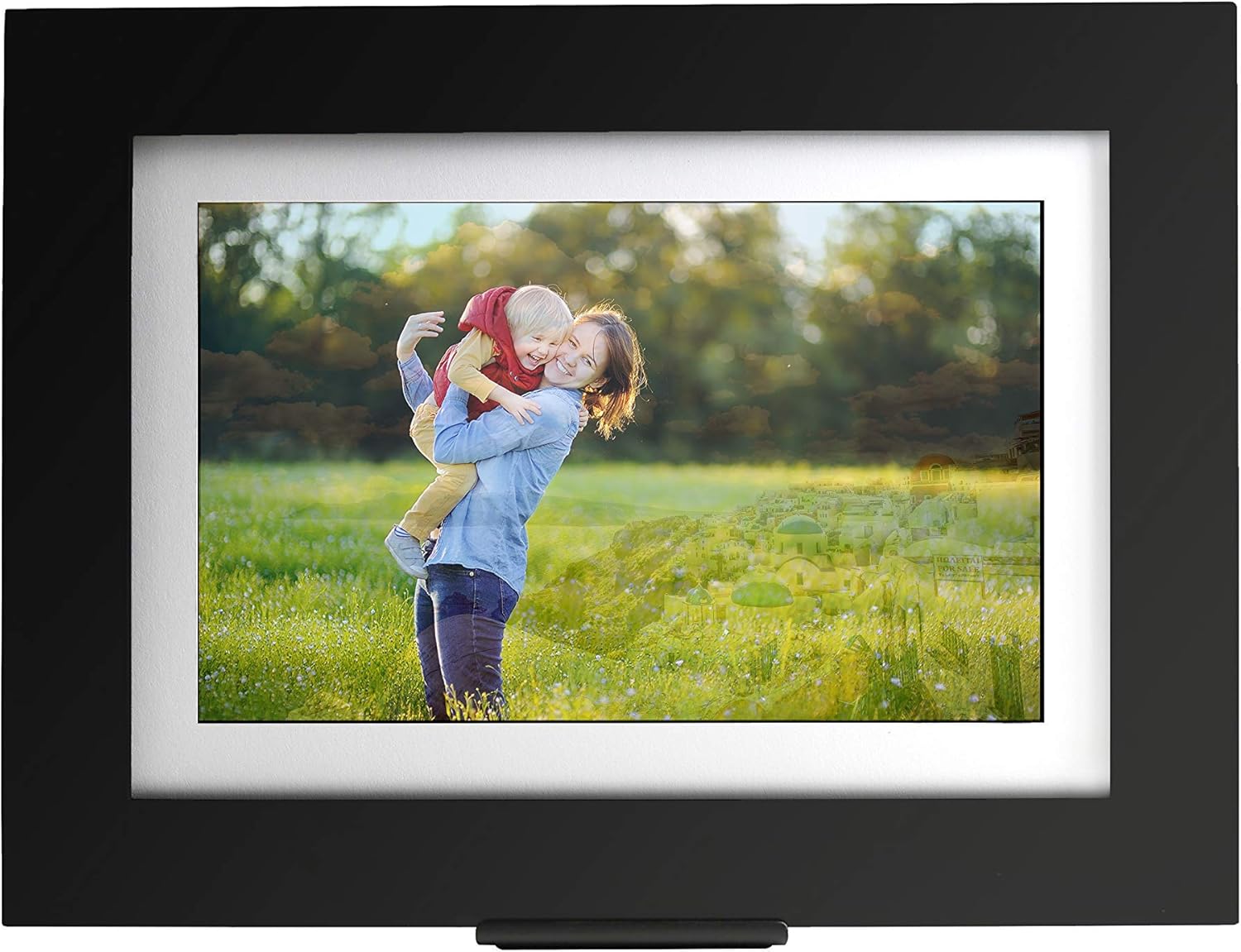
PhotoShare Friends and Family Smart Frame 10.1" Digital Photo Frame, Send Pics from Phone to Frame, Wi-Fi, 8 GB, Holds Over 5, 000 Photos, HD, 1080P, Black/White Mattes, iOS, Android : Camera & Photo
- Category: Digital Picture Frames
- Store: SimplySmart Home
Share on:
Description
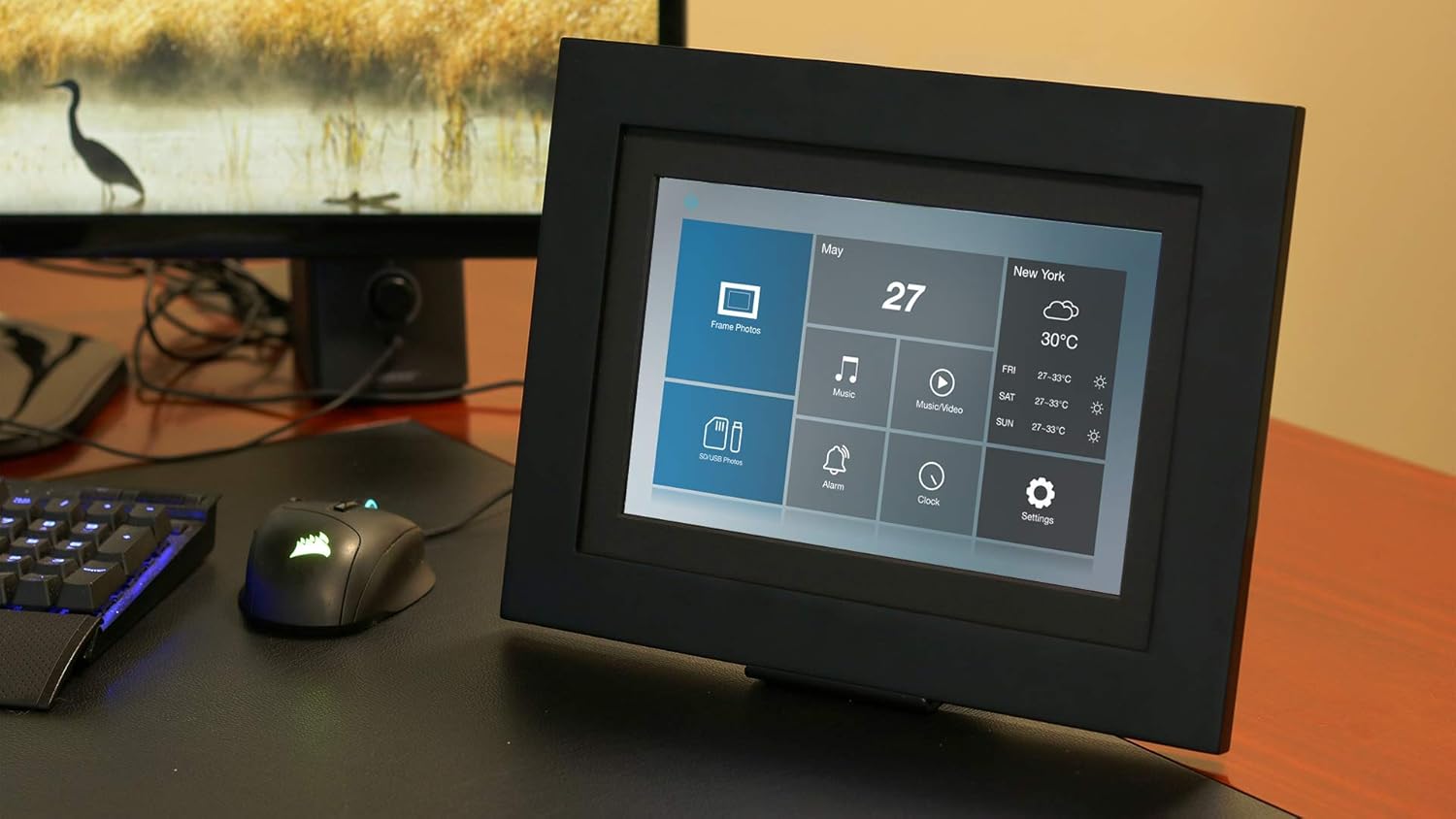
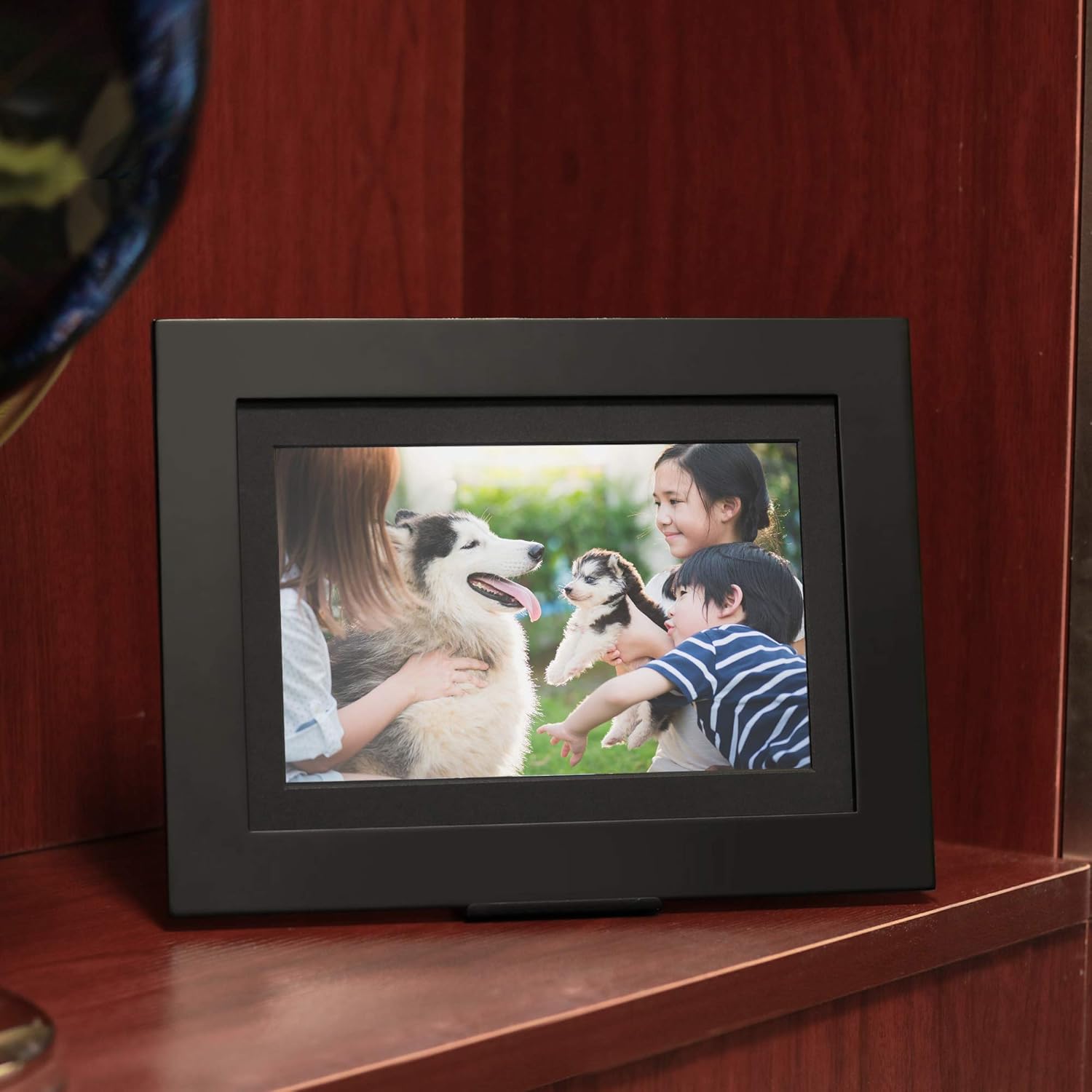
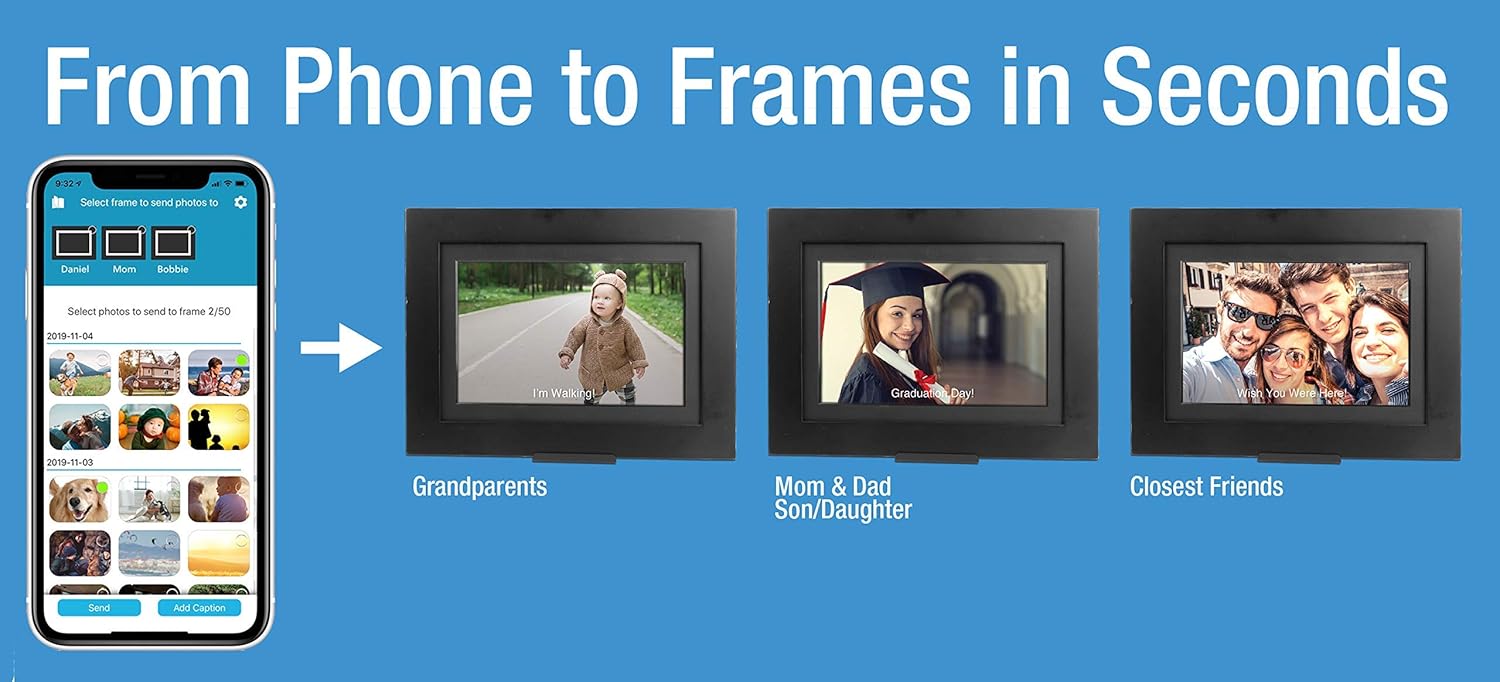
Bring your photos out of your phone and into your life with the PhotoShare Friends and Family Smart Frame. The PhotoShare Friends and Family Smart Frame by SimplySmart Home is simply the best way to enjoy your favorite photos with family and friends. With the free PhotoShare Frame app (available for iOS and Android), up to 50 photos at a time may be sent to up to or more PhotoShare Frames at once, making it a snap to share your memories with your entire network of family and friends. For added flexibility, photos may also be sent through email or from your linked Facebook account. Share life as it happens. Send playground pics of the kids directly to Grandma’s frame, send wedding photos to family members' Frames from across the country or send party photos to friends' frames from the party! it's fun, easy and a great way to keep your memories alive Video & Music Send a video of the kids to Grandma or enjoy your favorite music. Make your memories better with movies and music! Clock & Calendar The ultimate desktop accessory! The Clock & Calendar feature displays date and time along the bottom of the screen to keep you on time, up to date and in touch with family and friends. Auto-Dim Set the mood. Built-in ambient light sensor automatically adjusts the brightness of the display to match the lighting in the room. Day or night, your favorite photos will come to life in all their brilliant glory. Easy to set up! Step 1: Turn on your PhotoShare Frame - Use the included AC power adapter to plug your PhotoShare Frame into an available outlet. Once the Frame powers up, select your time zone, and you will be prompted to select your WiFi network and enter your WiFi password. Once the WiFi is connected, you will be prompted to install the PhotoShare Frame App. Please do not tap Next until you have installed the PhotoShare Frame App Step 2: Install the PhotoShare Frame App - Visit the iTunes App Store or Google Play to download the PhotoShare Frame App on your mobile device. Step 3: Create your PhotoShare Account - Launch the PhotoShare Frame App and select Create New Account. You will be asked to enter your name & email address. Once entered, please tap Register. You will then be asked to login with your email address and password. Return to the Frame and tap Next. You will then see the Frame ID. Please enter this Frame ID as prompted in the App. Lastly, you will be asked to name your Frame. Choose a name for your Frame and you are good to go! The PhotoShare Friends and Family Smart Frame by SimplySmart Home is simply the best way to enjoy your favorite photos with family and friends. Using the free app (iOS and Android), multiple photos may be sent to up to 10 different frames at once, making it a snap to share your memories with your entire personal network of family and friends. For added flexibility, photos may also be sent through email or from Facebook. Send pics of the kids from the beach directly to Grandma’s frame. Send party photos to friends’ frames while you’re all still at the party! Share life as it happens.
Product Overview
We Recommend