

| OZUKO Sling Backpack USB Anti-Theft Men'S Chest Bag Casual Shoulder Bag | Casual Daypacks
- Category: Casual Daypacks
- Store: OZUKO
Share on:
Description
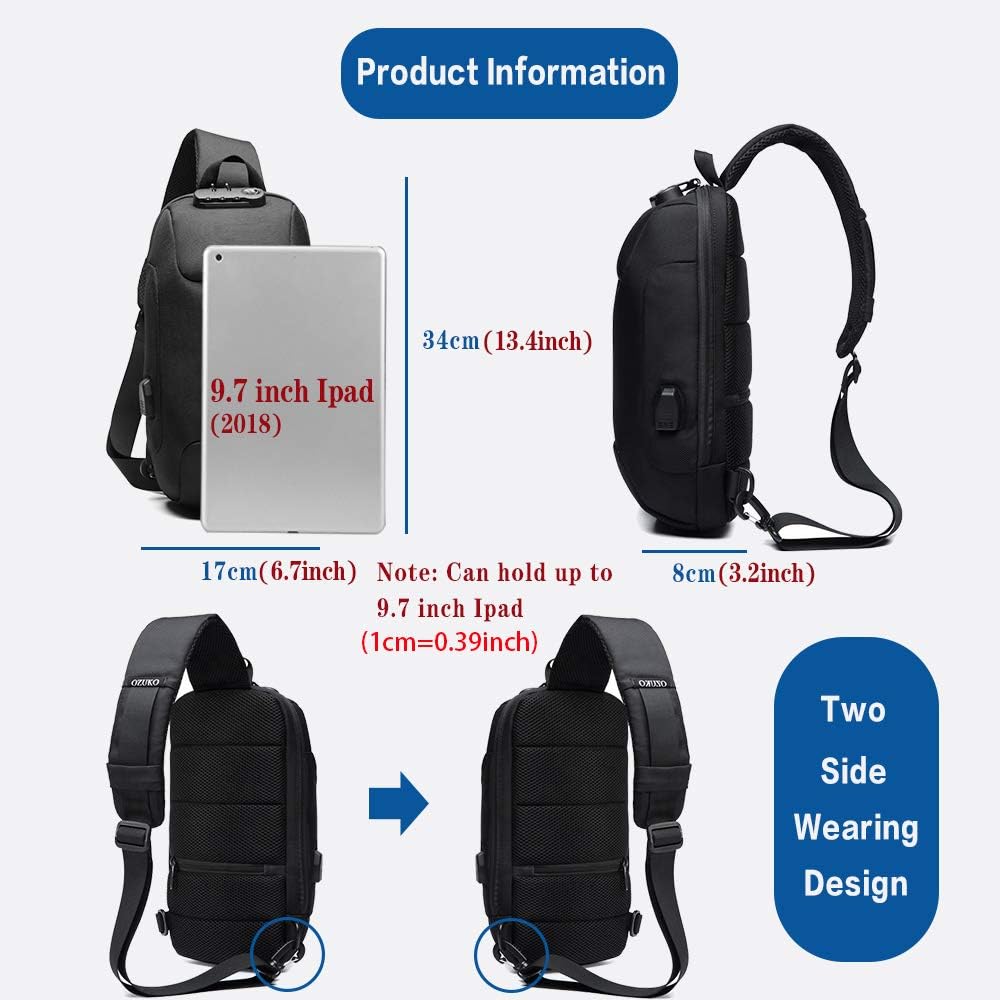
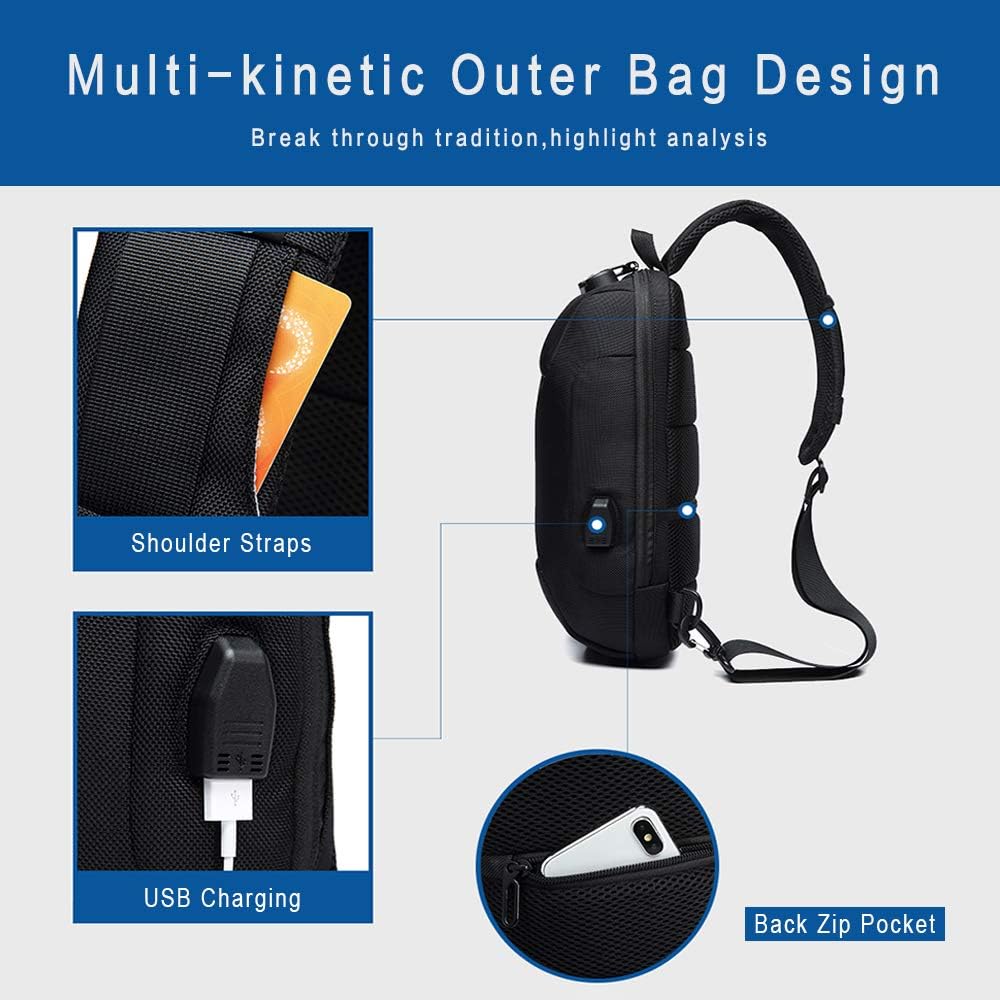
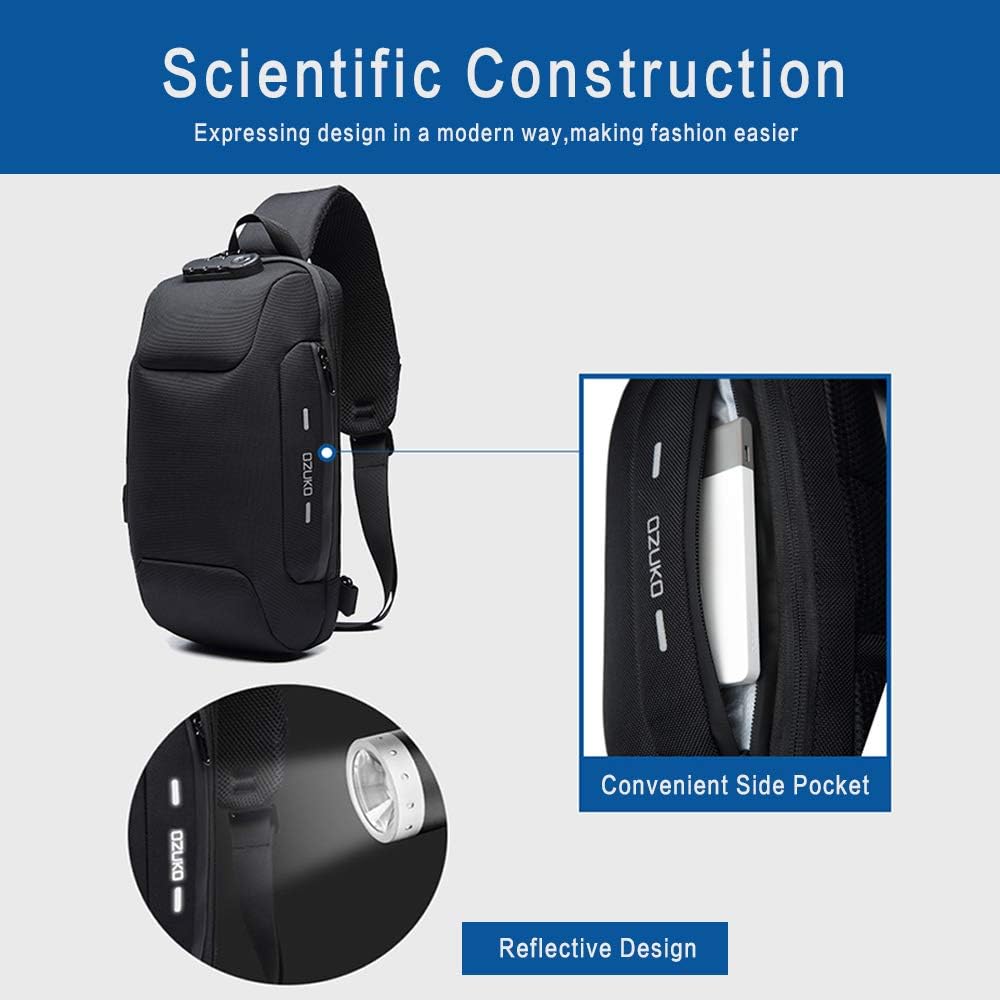
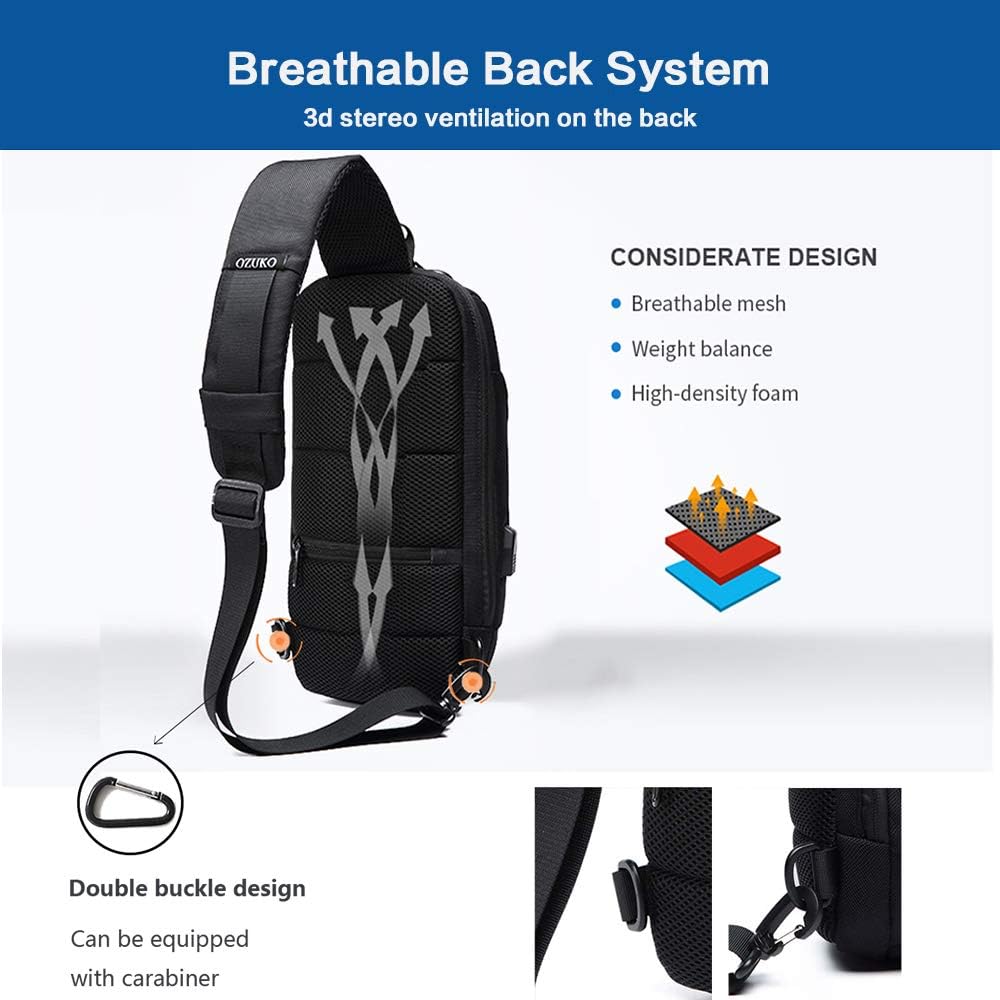
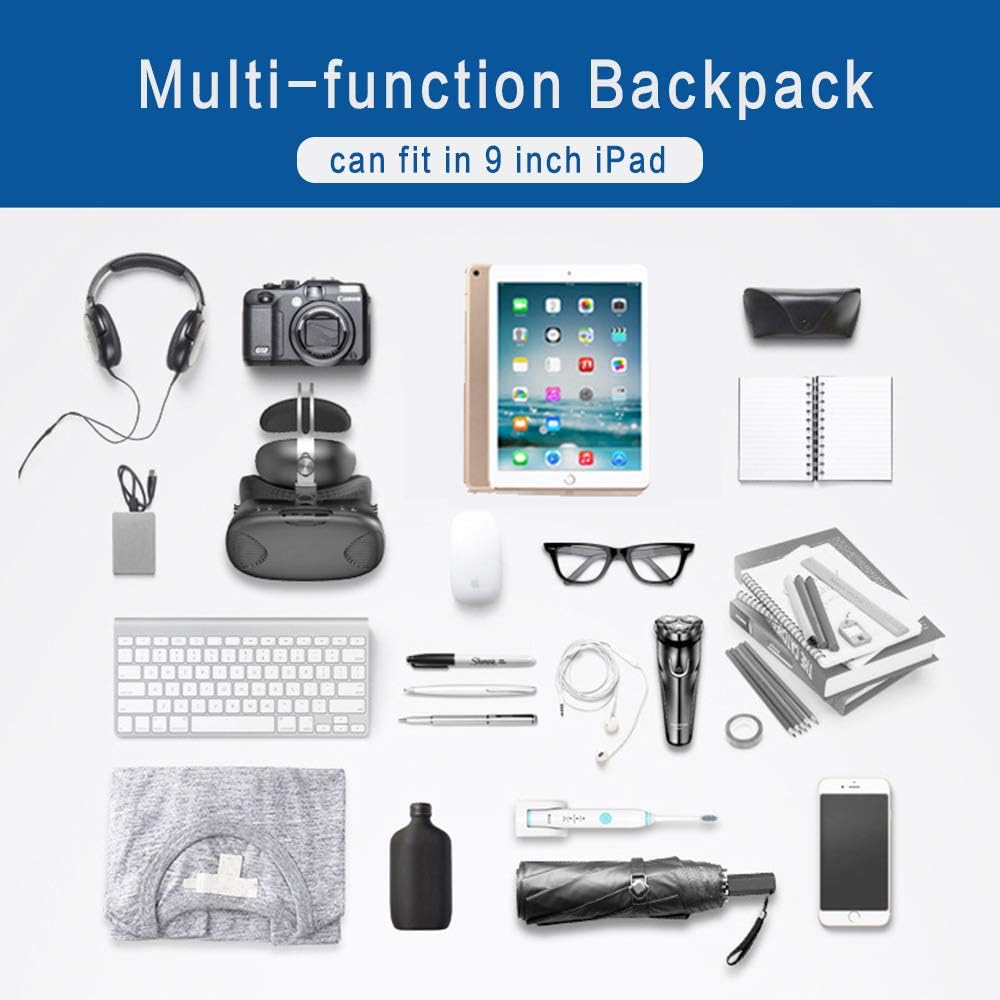
Reasons for Choosing The OZUKO Chest Bag: Size: 17cm x 8cm x 34cm(6.7'' x 3.2'' x 13.4''). It is recommended to accommodate a maximum of 9 inches Ipad. Built-in large capacity beyond your imagination. External USB design, fast charging, release hands. Featuring an ergonomic design, with adjustable strap to perfectly fit your body. Multi-function shoulder bag /crossbody chest bag, water repellent and scratch resistant. Security anti-theft password lock, safer to go out. Hidden card pockets on the shoulder strap, easy to place bus cards, etc. Breathable and decompression carrying system, heat dissipation, ventilation, shock absorption. The surface of the package is printed with reflective design, and the night warning is safer. Can be used messenger bag / shoulder bag / cross body backpack / casual day pack / sling bag / chest bag / travel bag. It is the best gift for friends, lovers, family members, easy to use! The initial password is 000. Toggle the thumb to the right to open the password lock. Move your thumb to the right, do not release it, then turn the number on the gear and release the switch to complete the password modification. Method One: First align the small groove under the code lock with the 4.5 o'clock direction of the clock. Then move the three code locks to the left (clockwise) by three spaces to unlock them. Method Two: First align the small groove under the code lock with the 7.5 o'clock direction of the clock. Then move the three combination locks to the left (clockwise) by two spaces to unlock them. How to Change the Password The three numbers after unlocking are the new password. If you need to change it, move your thumb to the right to open the password lock, and do not release it, then turn the number on the gear and release the switch to complete the password modification.
Product Overview
We Recommend