


3-Axis Gimbal Stabilizer for iPhone 12 11 PRO MAX X XR XS Smartphone Vlog Youtuber Live Video Record with Sport Inception Mode Face Object Tracking Motion Time-Lapse - Hohem iSteady Mobile Plus : Electronics
- Category: Stabilizers
- Store: hohem
Share on:
Description
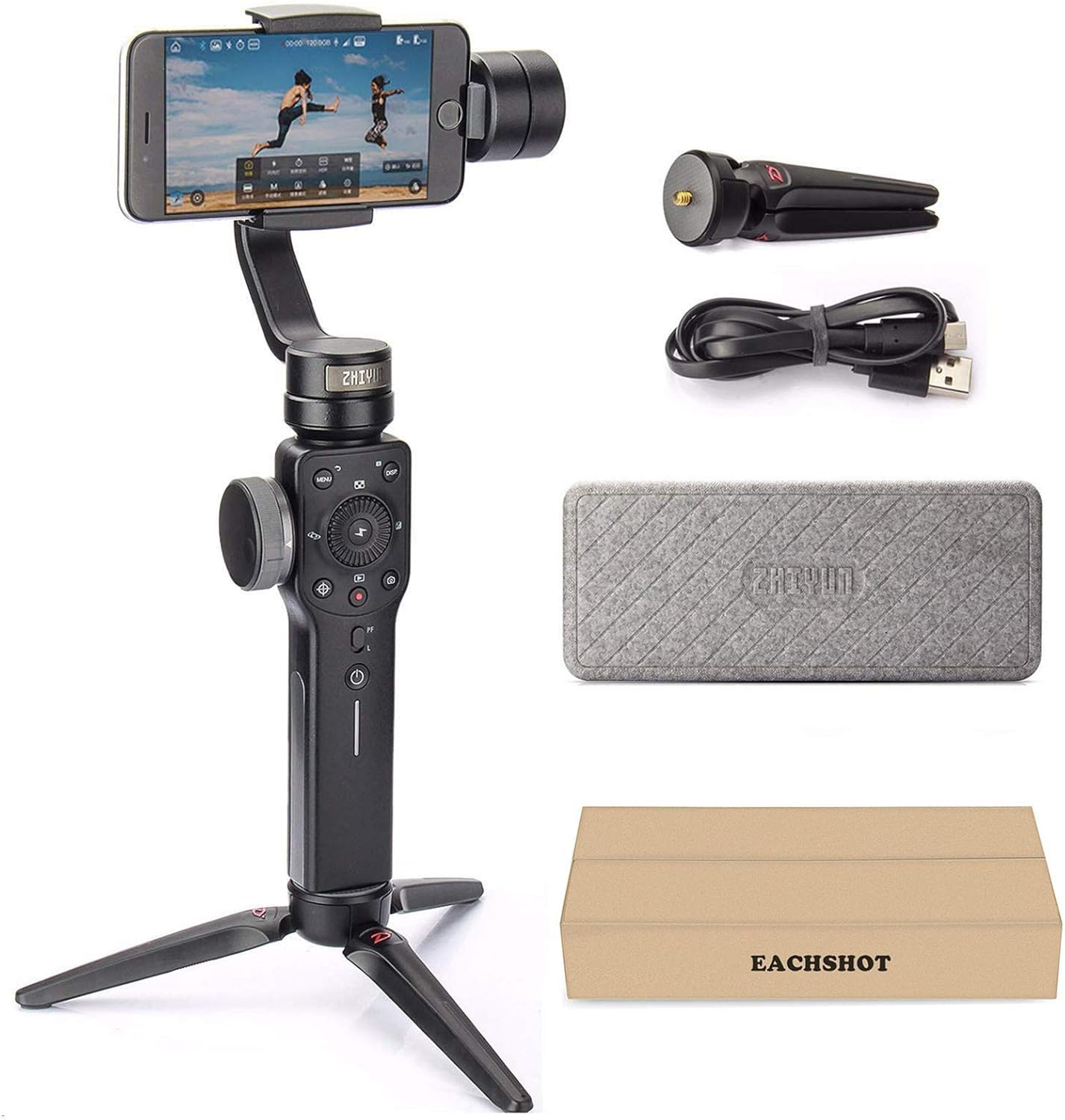
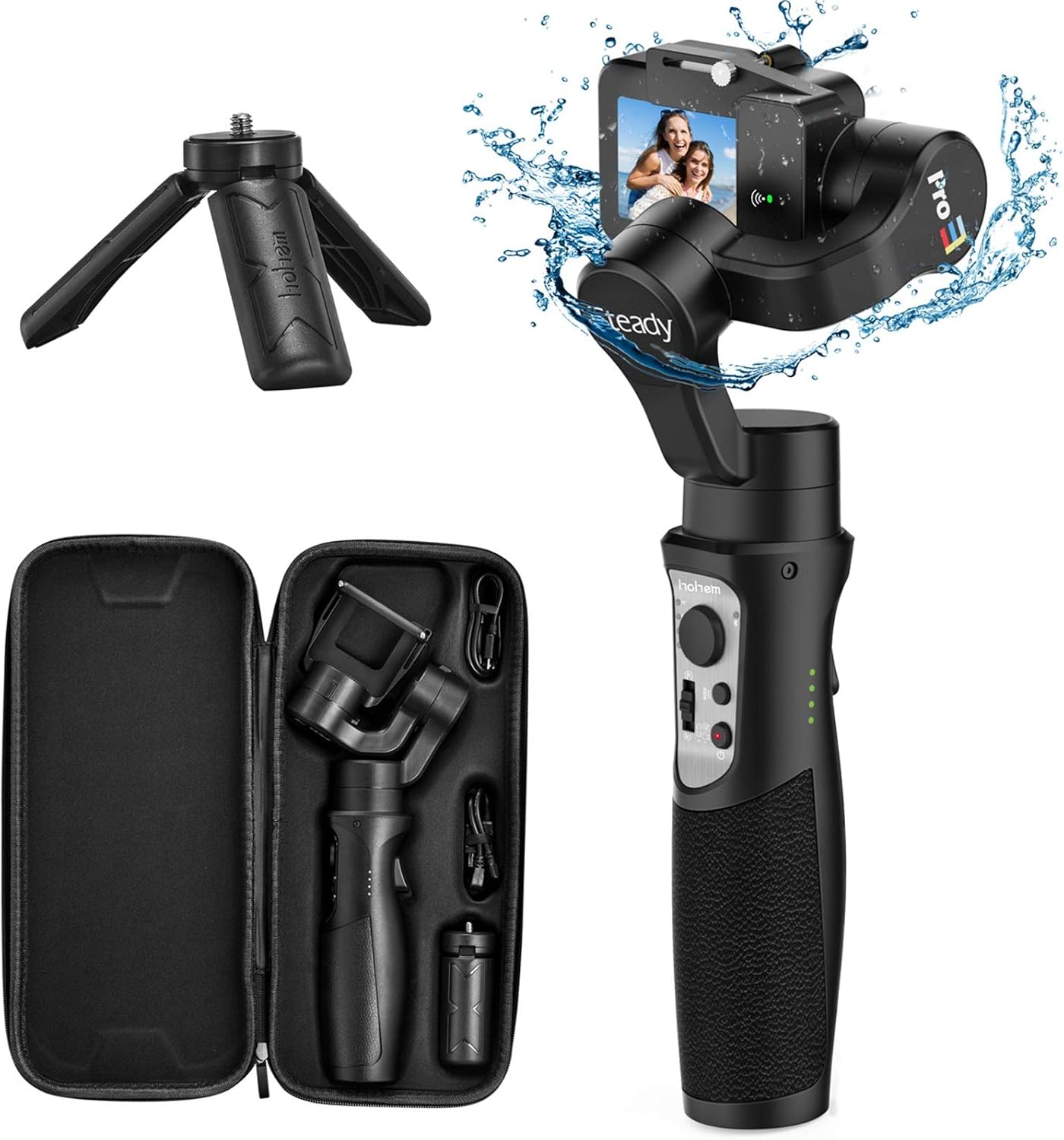
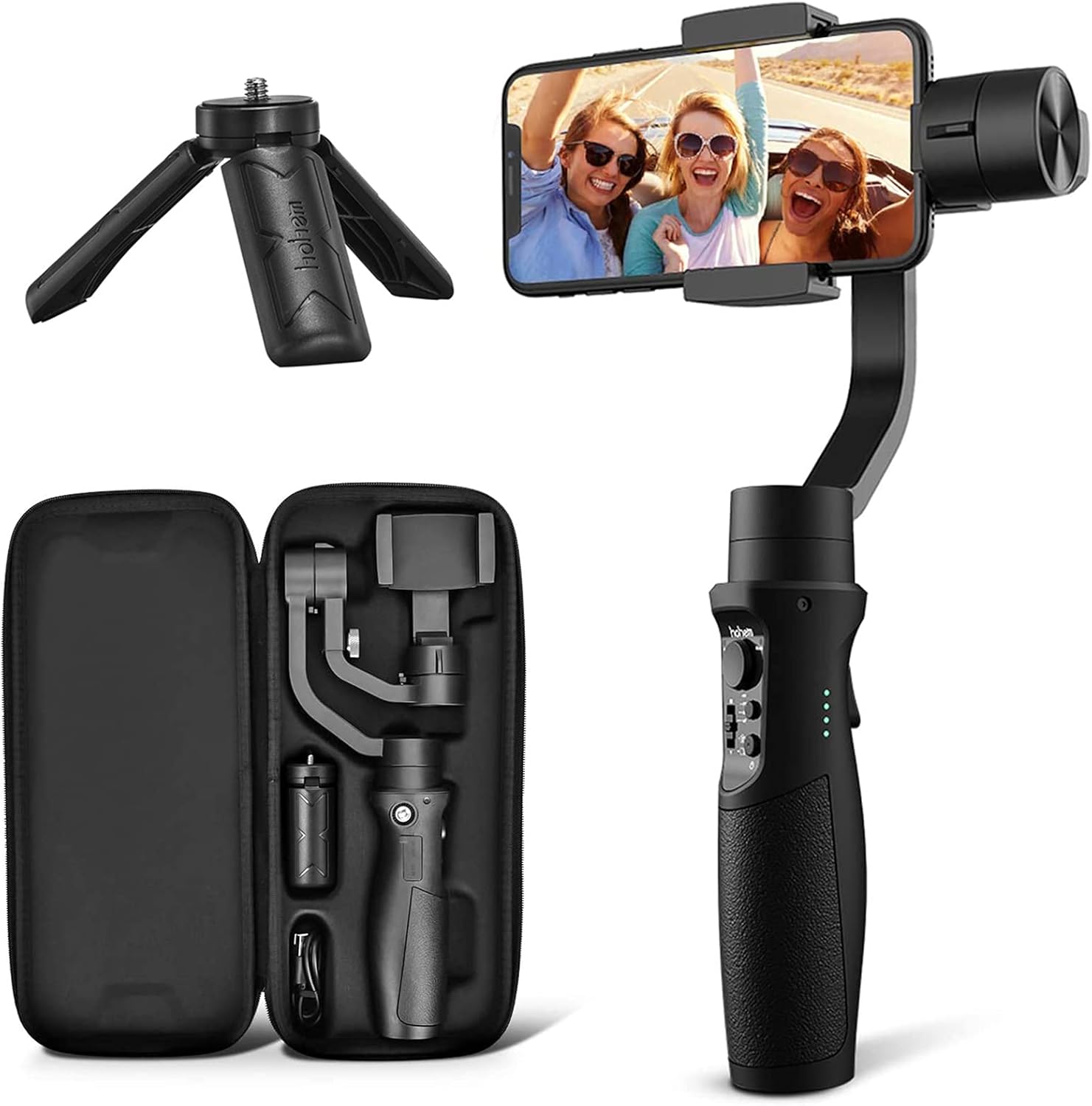
The exclusive tracking motionlapse, Timelapse, Motionlapse, Hyper-lapse, Tracklapse Turn everyday situations into incredible moments with time-lapse. Featured with beauty retouching, enlarge your charm in the video. Slow down the happy hour, make the time become longer. Upgraded "Sport Mode" provide fast following feature for you. No matter how rough the road you are walking, no matter how fast of your speed, just keep you video stable and record every moment without missing. 3D " Inception " Mode allow you to take vertically rotating video Unlock your creativity with 4 different shooting modes: Pan follow, Pan& Tilt follow, All locked and All follow which can meet the most of the shooting scenes. Build-in 4000 mAh battery provides 12H long running time. What's more, the gimbal can also be used as a power bank & charge your camera by the USB power output port. 【For Android users, if you have any problem about downloading APP, please contact seller for help】Hohem iSteady Mobile+ Gimbal is compatible for most smartphones 58-89mm phone clip width, fit for most smartphone under 6'' Screen. Ideal for iPhone 11\11Pro\Xs max\xs\xr\x\8plus\8\7plus\7\6s plus\6s\6plus\6\se, Samsung Galaxy s10e\s10 plus\s10\9\s9 plus\s8\s8 plus\s7\s7 edge\s6\s6 edge\s5\note9\note8, Huawei P30 pro\p30\p20 pro\p10\p10 plus\p9\mate 10\mate 9\mate 8. 【 Levelling & Balance Your Gimbal】 *Do not turn on the Gimbal without a phone mounted on it. *Please remove your phone case first. (1)Push and open the phone holder, insert the smartphone (2) Make the home button side as close as possible against to the tilt motor. (3)Adjust the smartphone balance with balancing knob until it stays still when rotate the roll axis up and down (4)Turn on the gimbal 【Bluetooth Connection】 (1)Make sure Bluetooth is on and is not connected to other devices (if any, disconnect it from the phone setting first) (2)Open the Hohem Gimbal APP, click--Connecting Device. In the stabilizer model selection interface of the app, manually select the corresponding stabilizer model, and click on to connect the device. (3)If you still fail to connect after trying the opertion 1&2 , please turn off your Bluetooth, re-download the APP again, and repeat the operation 1
Product Overview
We Recommend