

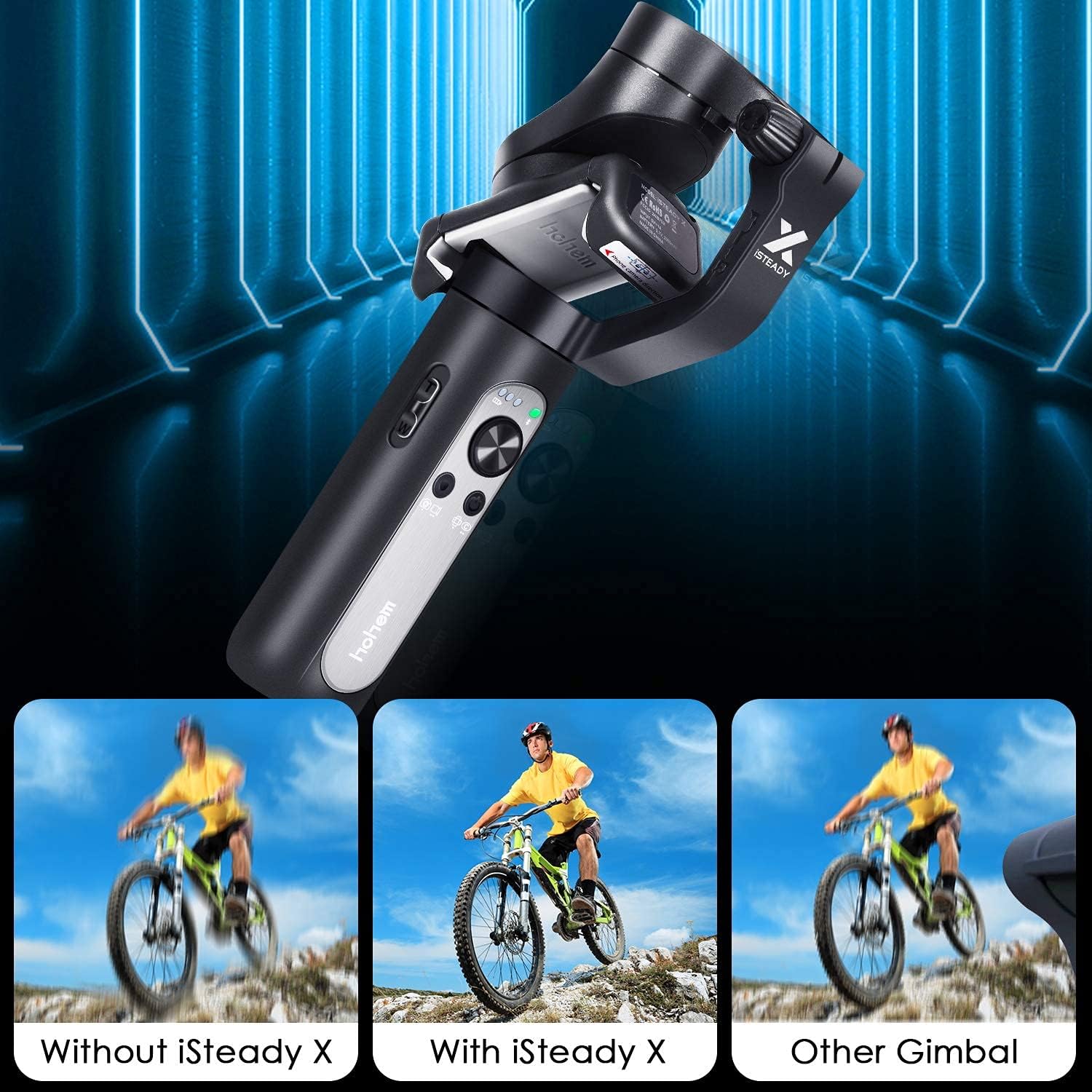


Hohem iSteady X, 3-Axis Foldable Lightweight Gimbal Stabilizer, Which is only 0.57Lbs, Supports Moment /Auto-Inception Mode, and is Compatible with iPhone 12/11 and Smartphones (0.57Lbs, Black) : Electronics
- Category: Stabilizers
- Store: hohem
Share on:
Description
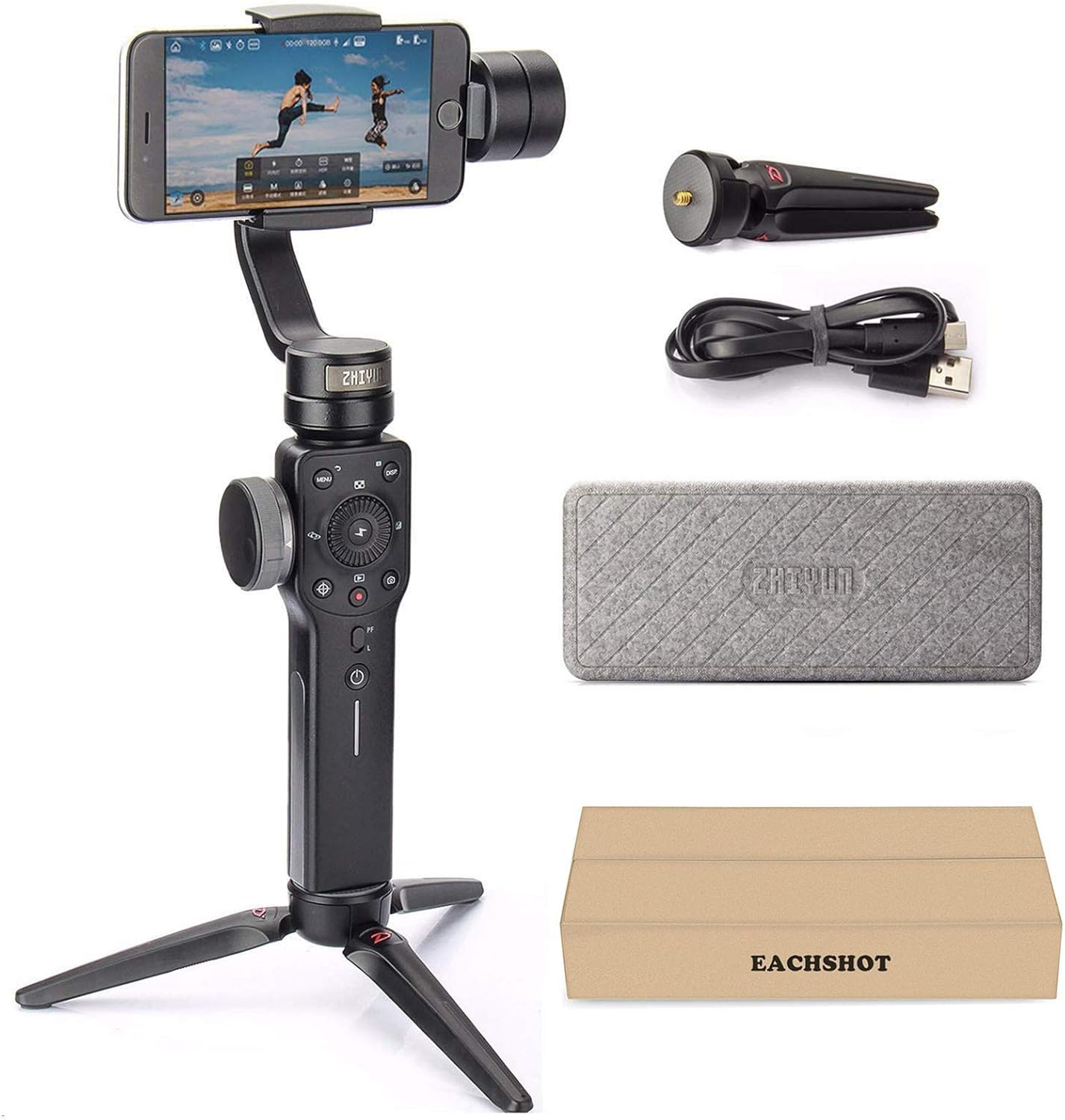
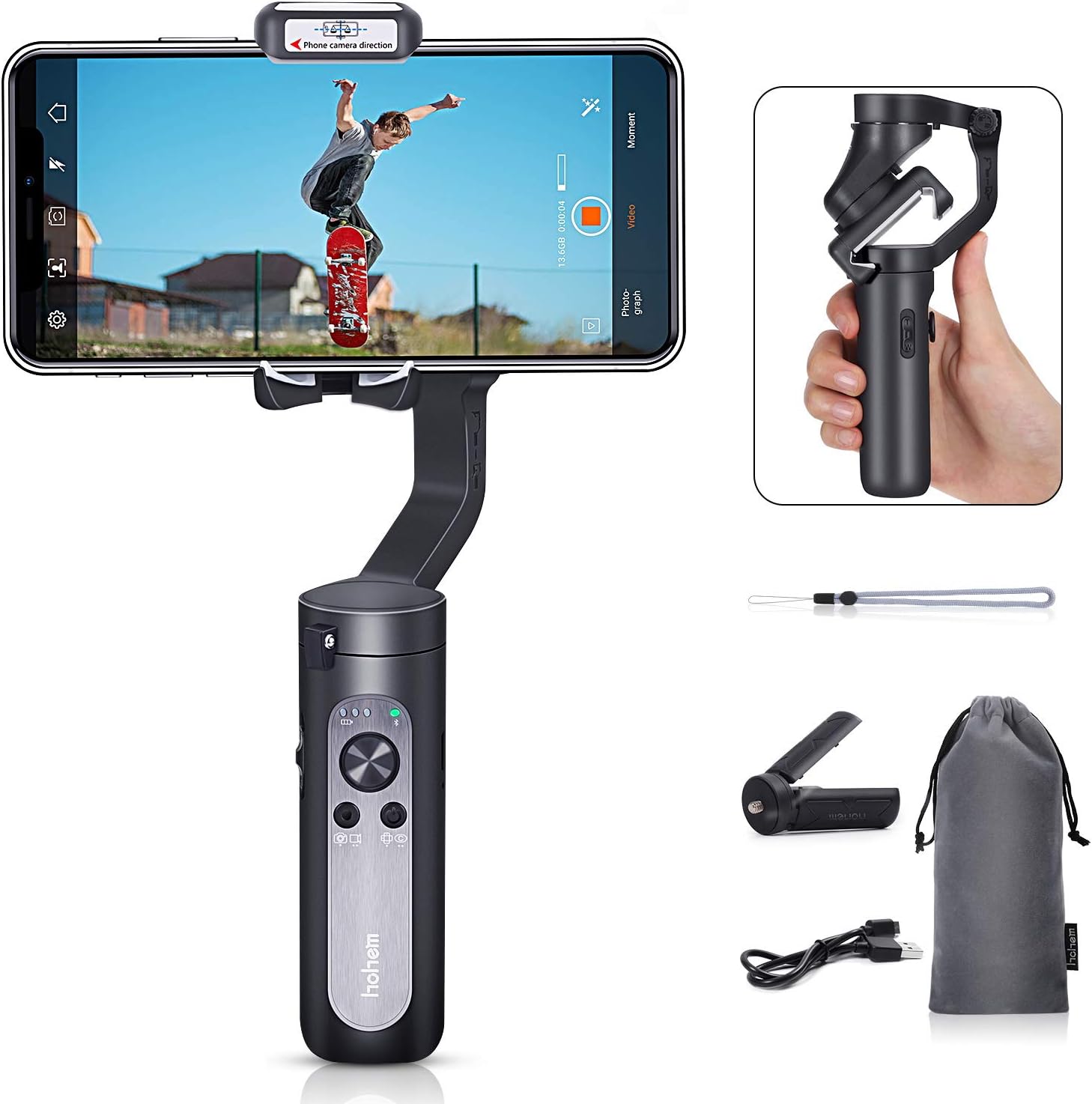
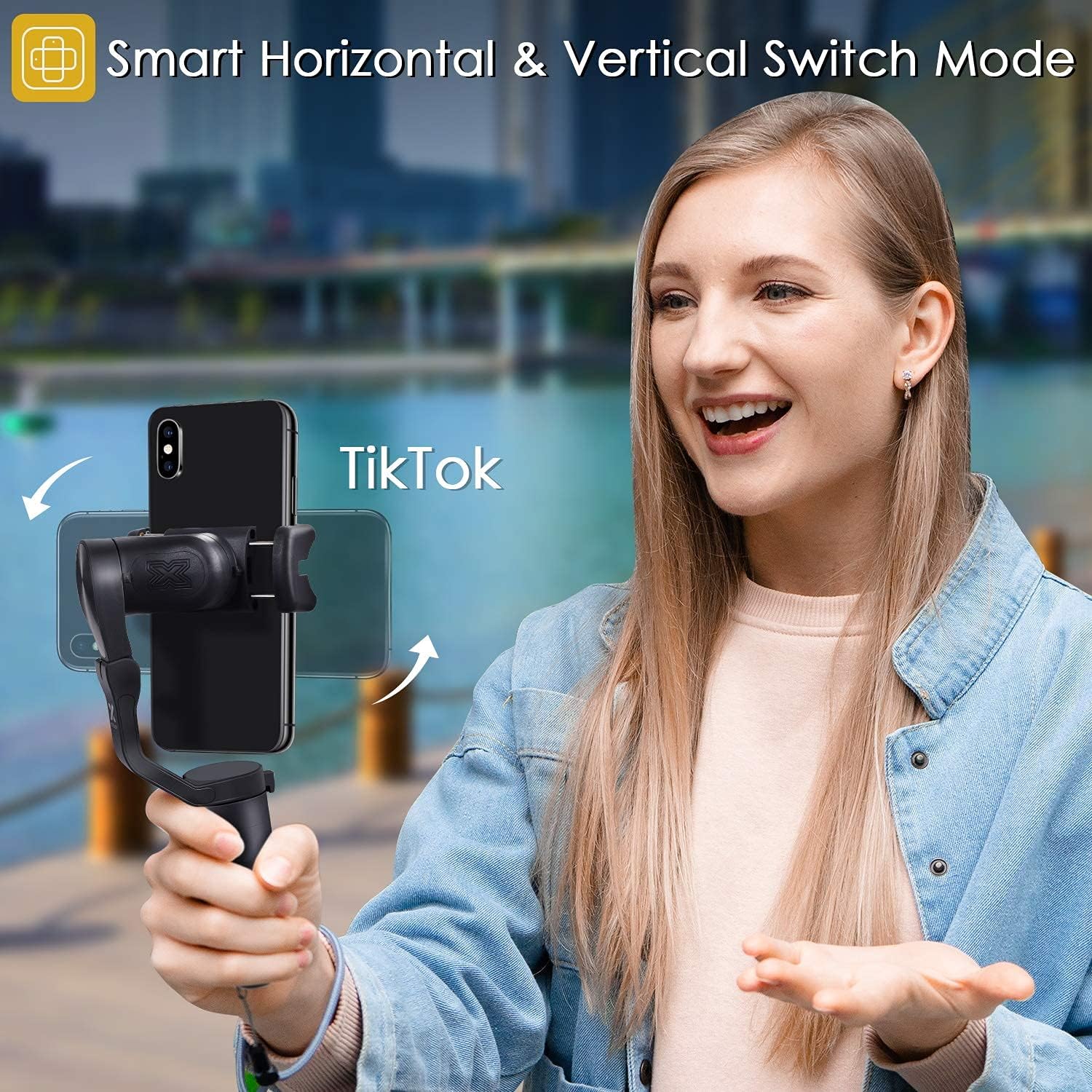
As a 3-Axis stabilizer, it has three Motors. So either the Pan or Roll and Tilt, it will offer the all-round Anti-shake, and give you the high-quality photos or videos. On the Market, there are some 1-Axis or 2-Axis stabilizer, which is much weaker than 3-Axis. They can not offer you the all-round stabilization. This non-orthogonal-axe design can not only hold more big-screen phones with wide angle lens, but also capture as much photography as possible. Hohem iSteady X can assist you to make best use of any ultra wide lens smartphones. With iSteadyX, you can enjoy the video without limitation with wide angle camera, especially for iPhone11ProMax and for Samsung S10+ smartphones. iSteadyX gimbal stabilizer rotate your phone automatically. When you shoot with your phone either beneath the subject and look straight up at it, it will be quite difficult by holding your gimbal as normal. Now with iSteady 3.0 automatic upside-down detection and auto-rotation technology, even extreme low angle shot could be taken but not lying on the floor. Easily switch Horizontal to Vertical mode. For iSteady X gimbal stabilizer, it is very easy to install and use the one-click TikTok mode to switch from horizontal to vertical mode automatically. Selfie Stick Mode Hohem iSteady X as a selfie stick, the specific design allows you to lock the motors with more possibilities to continue shooting and use the iSteady X 3-axis gimbal stabilizer even it is power off. Hohem iSteady X gimbal stabilizer x 1PC Mini Tripod x 1PC Storage Pouch x 1PC Power Cable x 1PC Wrist Strap x 1PC 1-year warranty only by USKEYVISION1. 1-Year Warranty is supported only by USKEYVISION. 2. Before power on, please activate the gimbal. This is very important. Because if not activation, the gimbal will not work. 3. It is not compatible with Xiaomi 10, Xiaomi 10 Pro, Xiaomi CC9 PRO that these back camera in the middle of the phone. 4. There are 3 locks need to be unlocked and then can unfold it. 5. When mounting the phone, please make sure it can be mounted at the middle of the gimbal. 6. After mounting, please balance the phone on the gimbal. 7. Hohem Pro APP account activation now support both of mobile phone number and Email verification to receive verification codes. If the moble phone number can not receive the verification codes, please choose the email vertification.
Product Overview
We Recommend