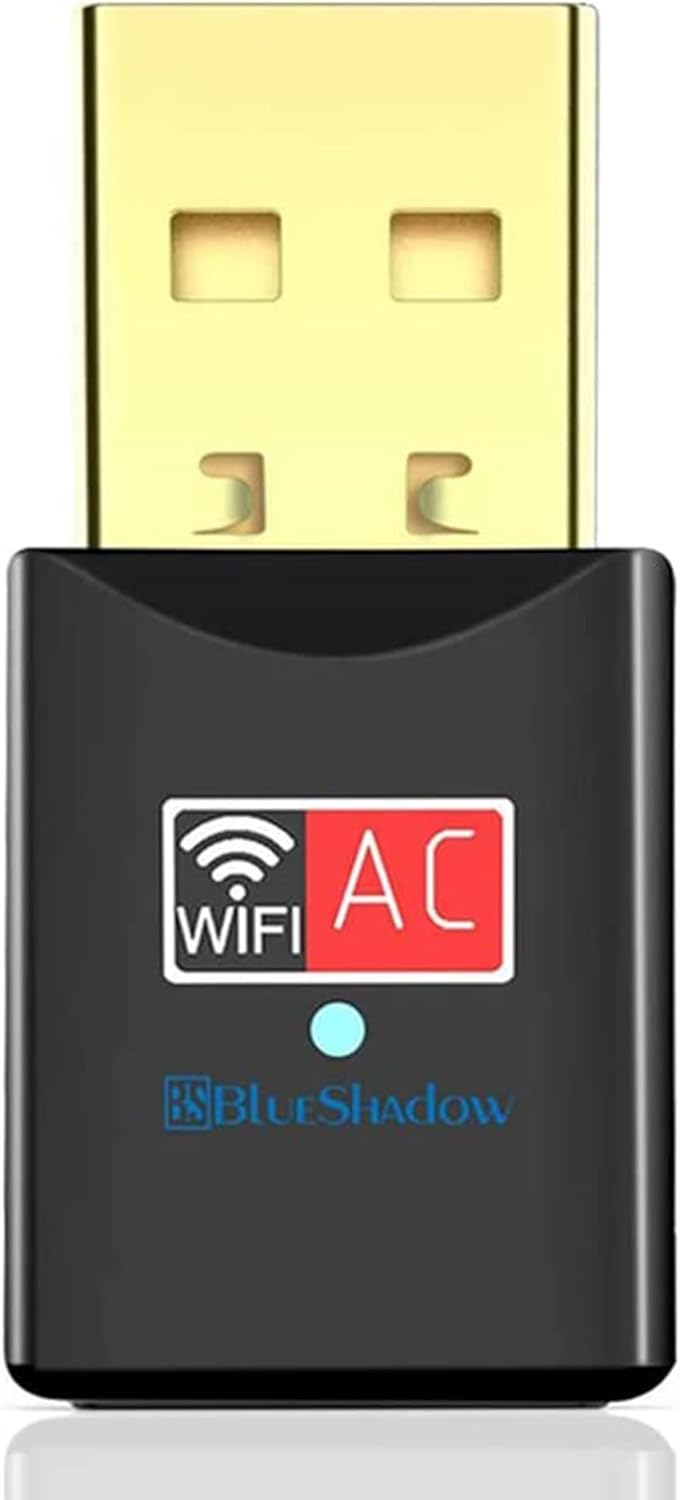



USB WiFi Adapter for PC, Techkey 1750Mbps Dual Band 2.42GHz/450Mbps 5.8GHz/1300Mbps High Gain 5dBi Antennas USB 3.0 Wireless Network Adapter for Desktop Laptop with Windows 10/8/7/XP/Vista, Mac OS : Electronics
- Category: USB Network Adapters
- Store: Brand: Techkey
Share on:
Description
Name: 1750Mbps wireless network card Transmission rate: 1750M Interface type: USB Wireless standard: IEEE 802.11b, IEEE 802.11g, IEEE 802.11n Working frequency band: 2.4GHz/5.8GHz Support Agreement: 802.11ac Features: 1750M dual-band, 5dBI high-gain antenna *2, 11AC technology signal enhancement, PA signal amplification chip, analog AP transmit WIFI signal, cool extended base, strong compatibility Product description: 2.42G/5.8G dual frequency network card AC1750M Chip: Reatek 8814AU+PA amplifier Support speed: 450Mbps+1300Mbps Antenna: 5dBi external dual antenna 4T4R Supports wireless network connections in the 2.42 GHz and 5.8 GHz bands; External high-efficiency dual-frequency antenna; Follow the IEEE 802.11a/b/g/n/ac standard; Secure encryption method WFA, WPA, WPA2, WPS2.0, WAPI Support WPS, support wireless direct connection. 2.42G band up to 450Mbps; 5.8G band up to 1300Mbps USB 3.0 interface. Support for Windows XP/Vista/7/8/10, Mac operating system. Techkey Wireless Wi-Fi Adapter to USB 2.0 or USB 3.0 port of your desktop, laptop PC or MAC and delivers wi-fi connectivity up to 1300Mbps on 5.8GHz bands, 450Mbps on 2.42GHz bands. It works with ANY wireless routers, including ac/a/b/g/n. 1. The specification of this wireless USB adapter is 1750Mbps (2.42G: 450Mbps, 5.8G: 1300Mbps). When using this WiFi adapter, a router with a speed of 1750Mbps or more than 1750Mbps can play the maximum performance of it. 2. Generally customers can't get the maximum speed. But it has nothing to do with the quality of the product. The network environment, router, barriers, laptop and PC 's internal memory… many factors can affect the speed. 3. Please plug the Wi-Fi dongle into the usb ports behind the computer host if you have a desktop. This way will let the Wi-Fi dongle get enough power. 4. This Wi-Fi dongle will not boost the speed of original router. It only helps your computer to receive better router's signal and faster speed. 5. Please turn off the built-in Wi-Fi when using on a laptop.( If your laptop has the built-in Wi-Fi ). 1. Insert mini CD or download driver from online driver link to install the program. 2. Plug in the wifi adapter to any USB port on your computer. 3. Open the “REALTEK USB Wireless LAN Utility”, click “available networks”, select the network signal and connect. 1. Please plug the Wi-Fi adapter into the usb ports behind the computer host if using on a desktop. And try to plug it into a USB3.0 port to ensure enough power supply for the adapter. 2. Please turn off the built-in Wi-Fi when using on a laptop.( If your laptop has the built-in Wi-Fi ). 3. Please plug the adapter directly to the computer usb port instead of connecting to an external hub.
Product Overview
We Recommend