


Microsoft Surface Go (Intel Pentium Gold, 8GB RAM, 128GB) (MCZ-00001) : Computers & Accessories
- Category: 2 in 1 Laptops
- Store: Brand: Microsoft
Share on:
Description
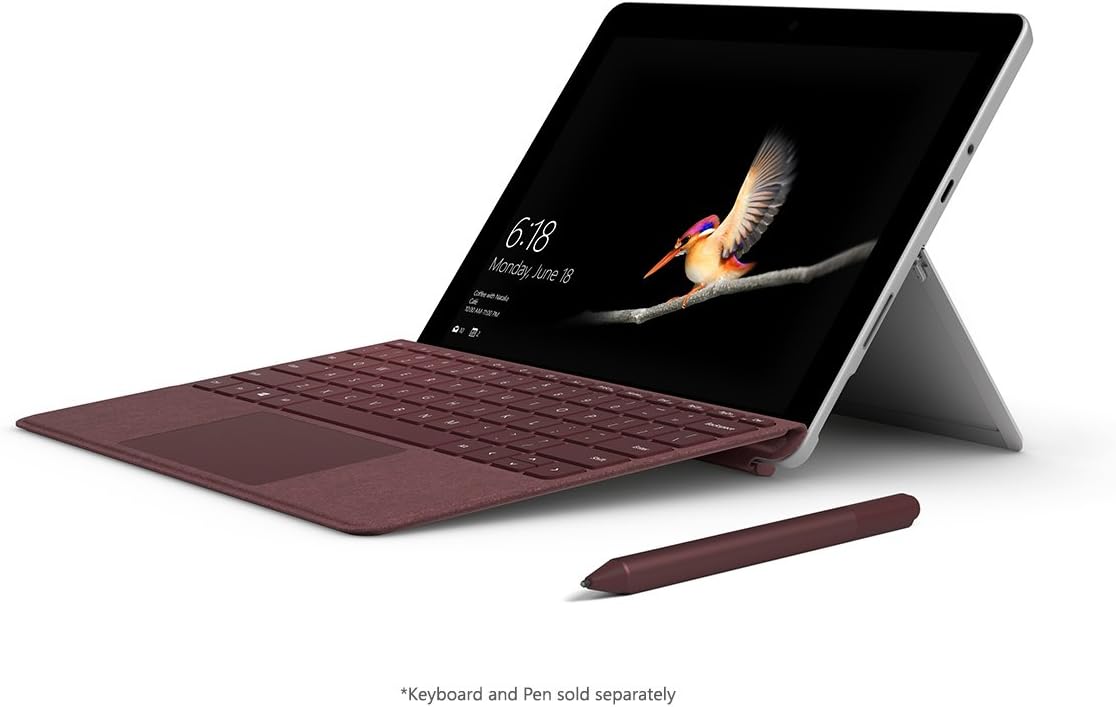
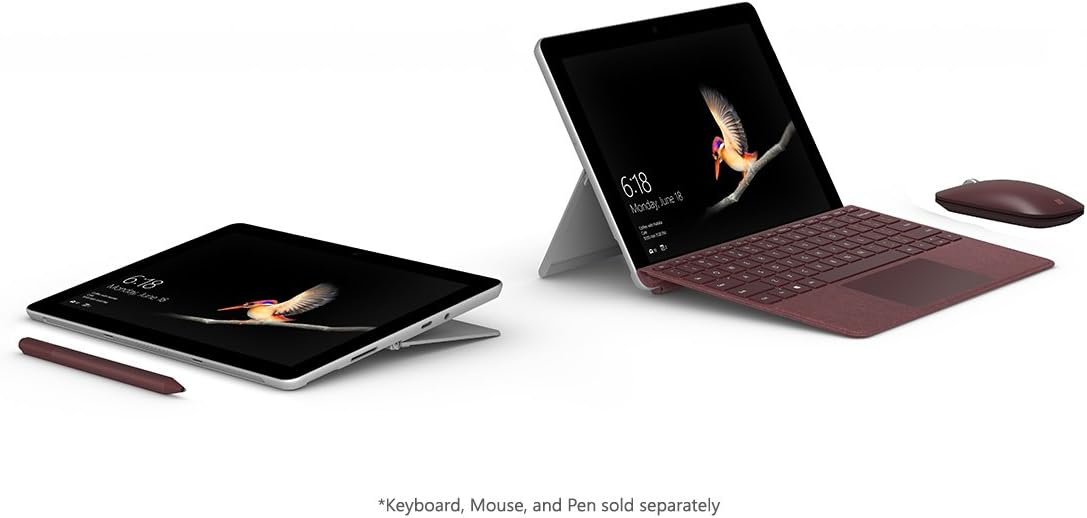
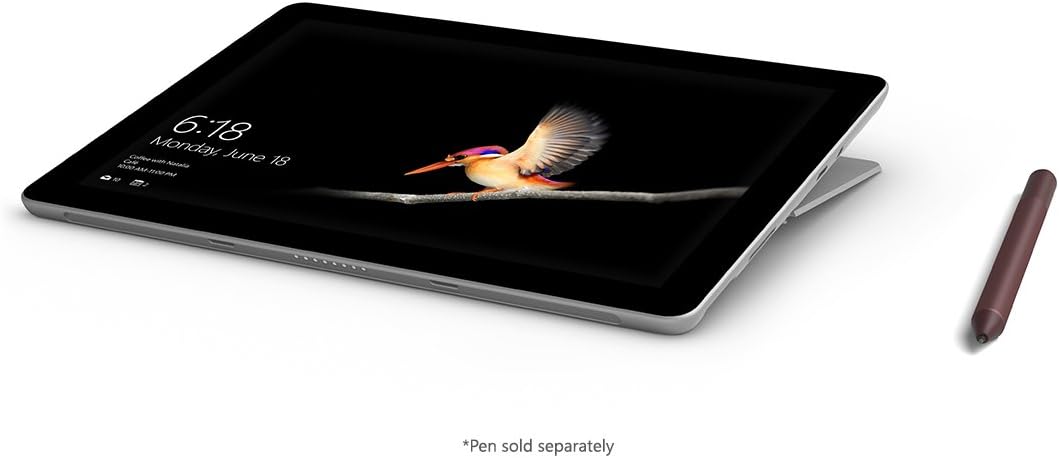
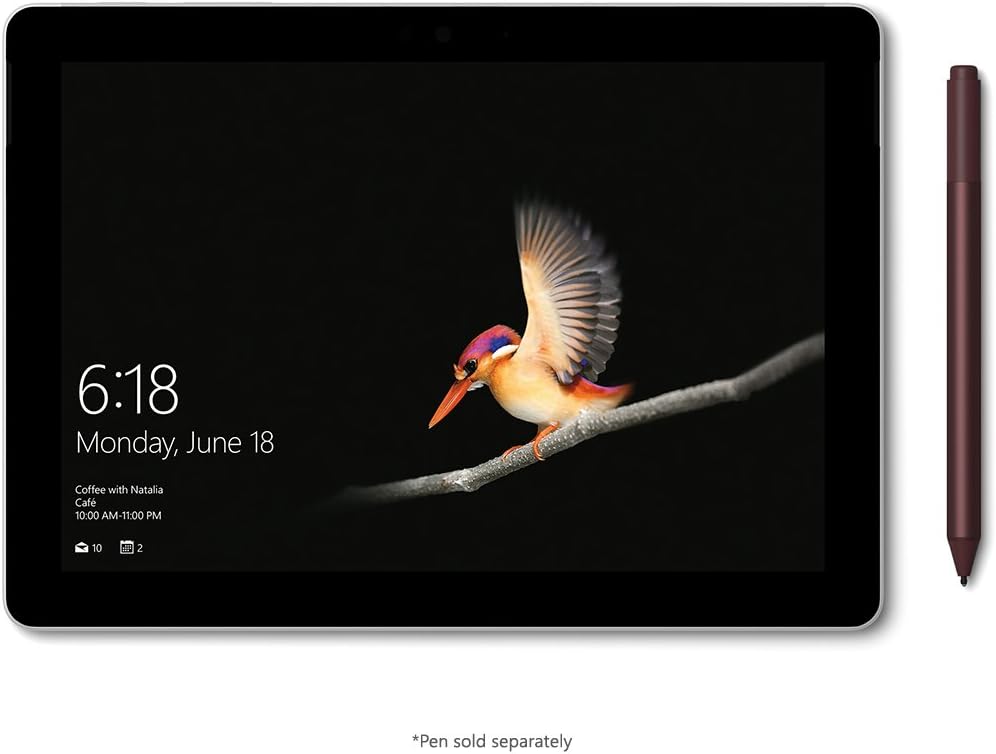
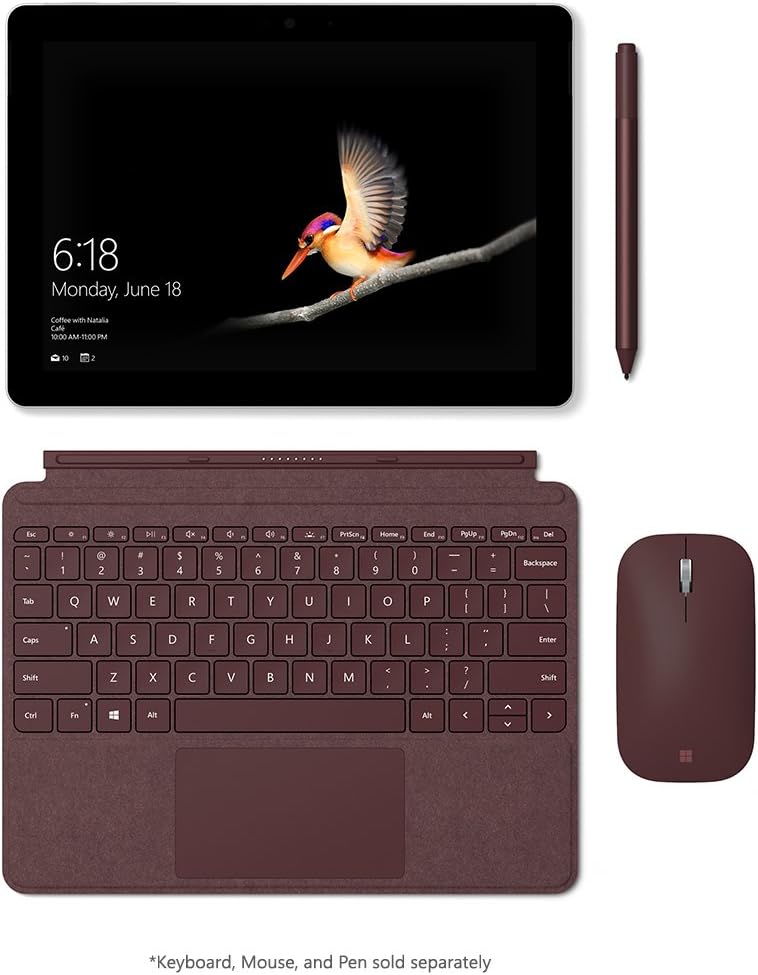
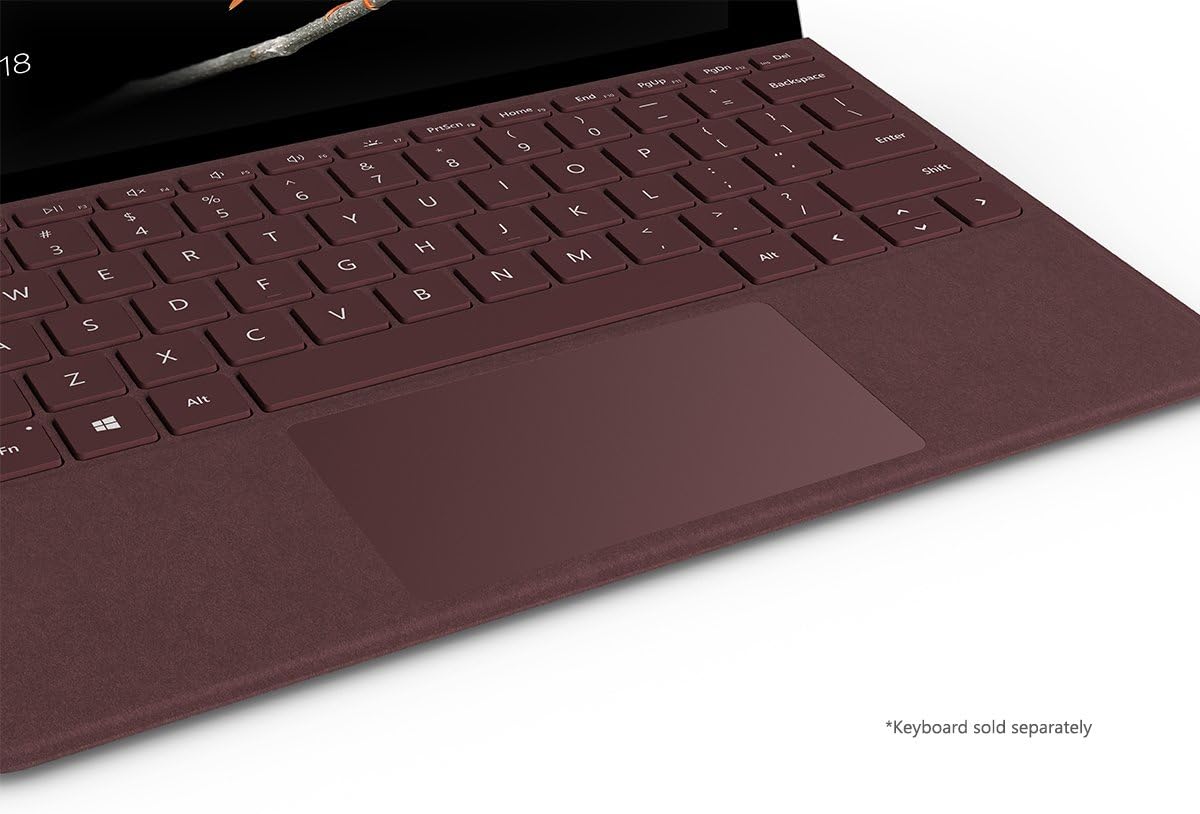
Abbreviate Message Split Place Surface Go in Laptop Mode by opening and adjusting the built-in Kickstand and adding removable Surface Signature Type Cover. Close the Kickstand, and detach or fold Surface Signature Type Cover back for an ultra-portable, stand-alone Intel tablet. Lower the Kickstand all the way down to place Surface Go in Studio Mode for a natural, perfectly-tilted writing and drawing angle with Surface Pen. New 10” Surface Go is perfect for all your daily tasks, giving you laptop performance with tablet portability, a stunning touchscreen, and the Windows and Office experience you know. From email, browsing, and home projects to unwinding with a favorite TV show, Surface Lingo is by your side wherever you are — with up to 9 hours1 of battery life, built-in HD cameras, hassle-free connectivity, and all the ports you need, including multi-tasking USB-C.Disclaimers: Batterylife: Up to 9 hours of video playback. Testing conducted by Microsoft in June 2018] using preproduction Intel Pentium Gold 4415Y Processor, 128GB, 8GB RAM device. Testing consisted of full battery discharge during video playback. All settings were default except: Wi-Fi was associated with a network and Auto-Brightness disabled. Battery life varies significantly with settings, usage, and other factors. Windows10 in S Mode works exclusively with apps from the Microsoft Store within Windows. Certain default settings, features, and apps cannot be changed. Some accessories and apps compatible with Windows 10 may not work (including some antivirus and accessibility apps), and performance may vary. If you switch to Windows 10 Pro configuration (fee may apply), you can’t switch back to Windows 10 in S Mode. Learn more at Windows.com/Windows10SFAQ.
Product Overview
We Recommend