
PowerA Enhanced Wired Controller for Xbox One - Black: Video Games
- Category: Gamepads & Standard Controllers
- Store: Brand: PowerA
Share on:
Description
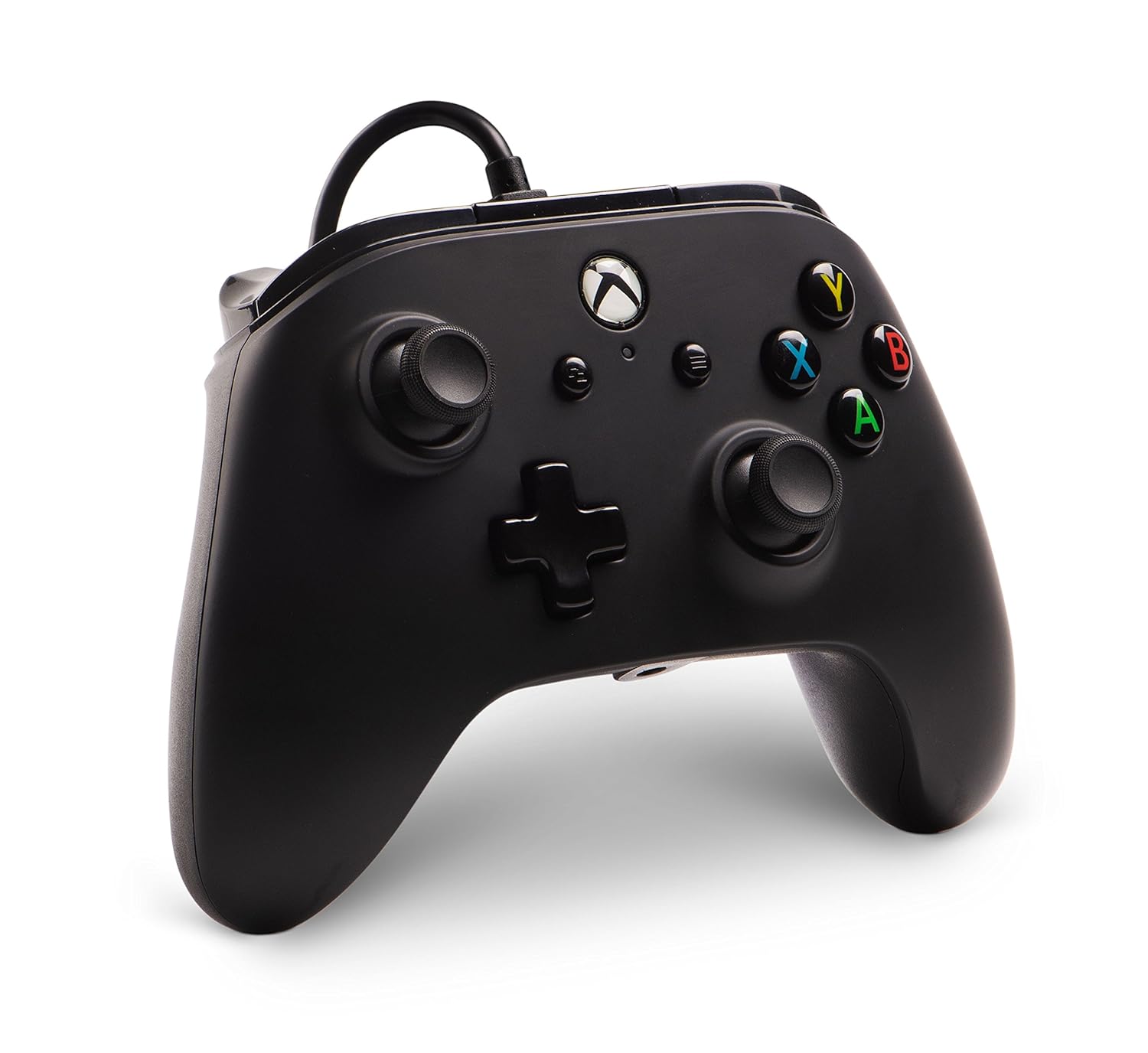
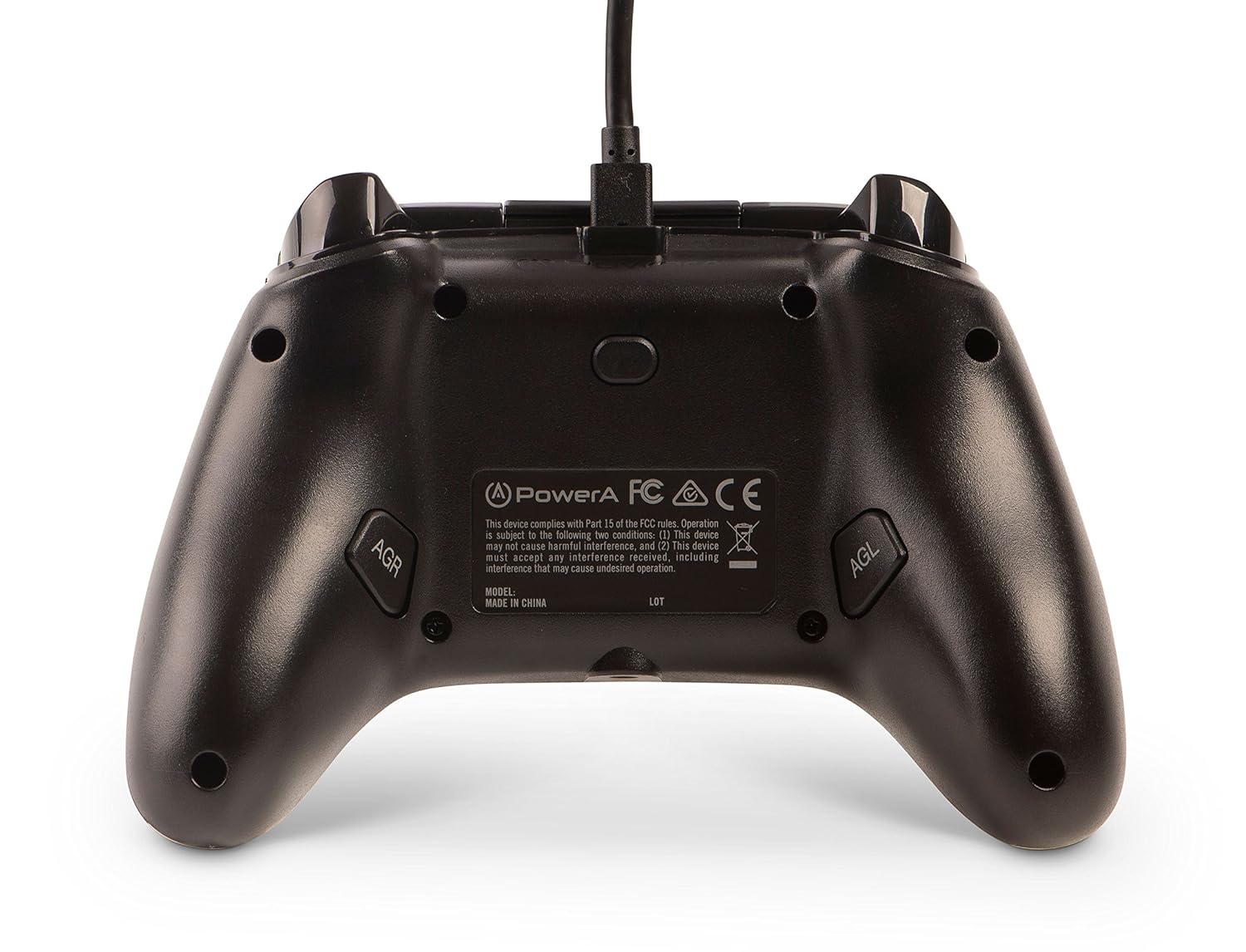
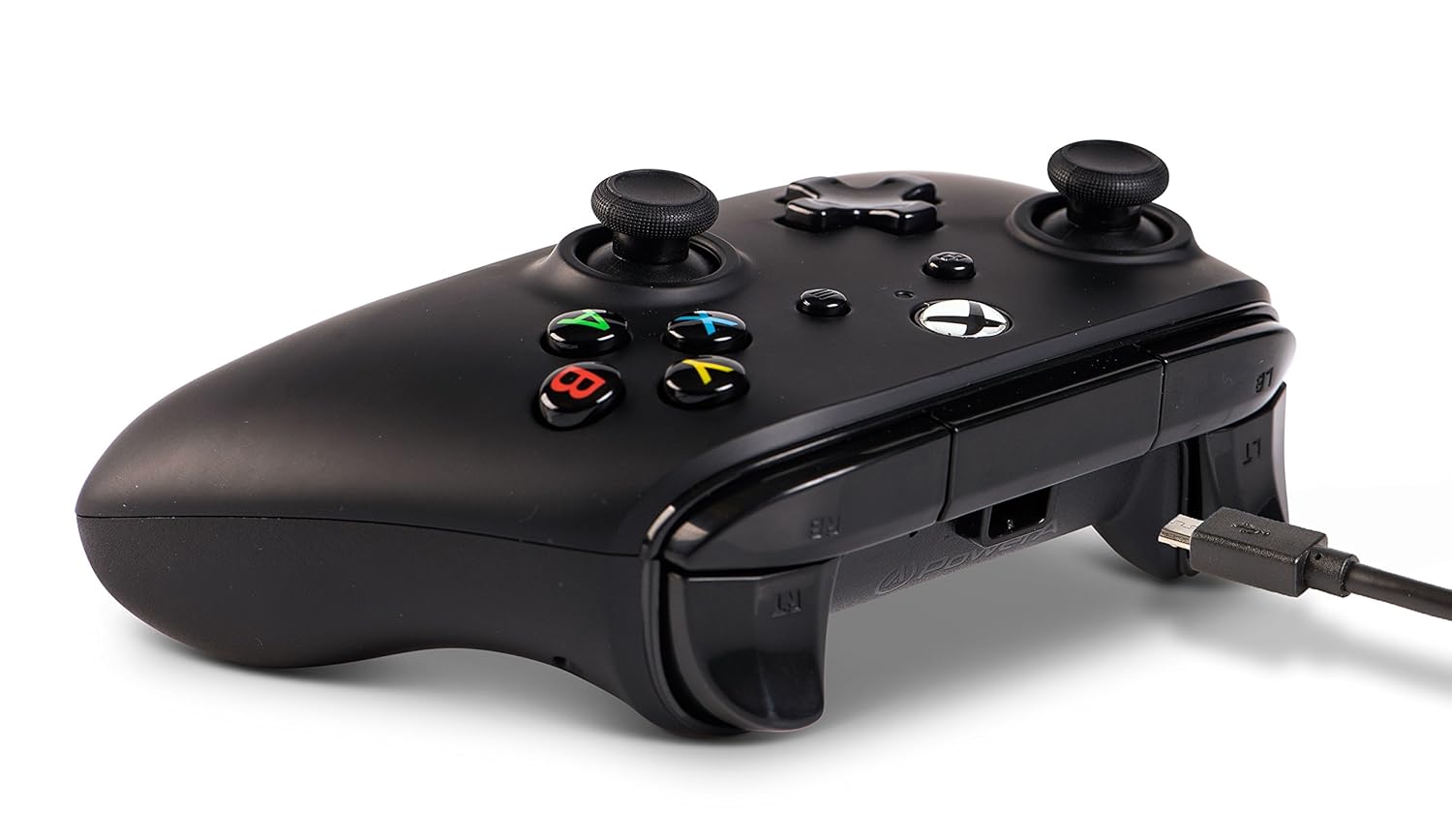
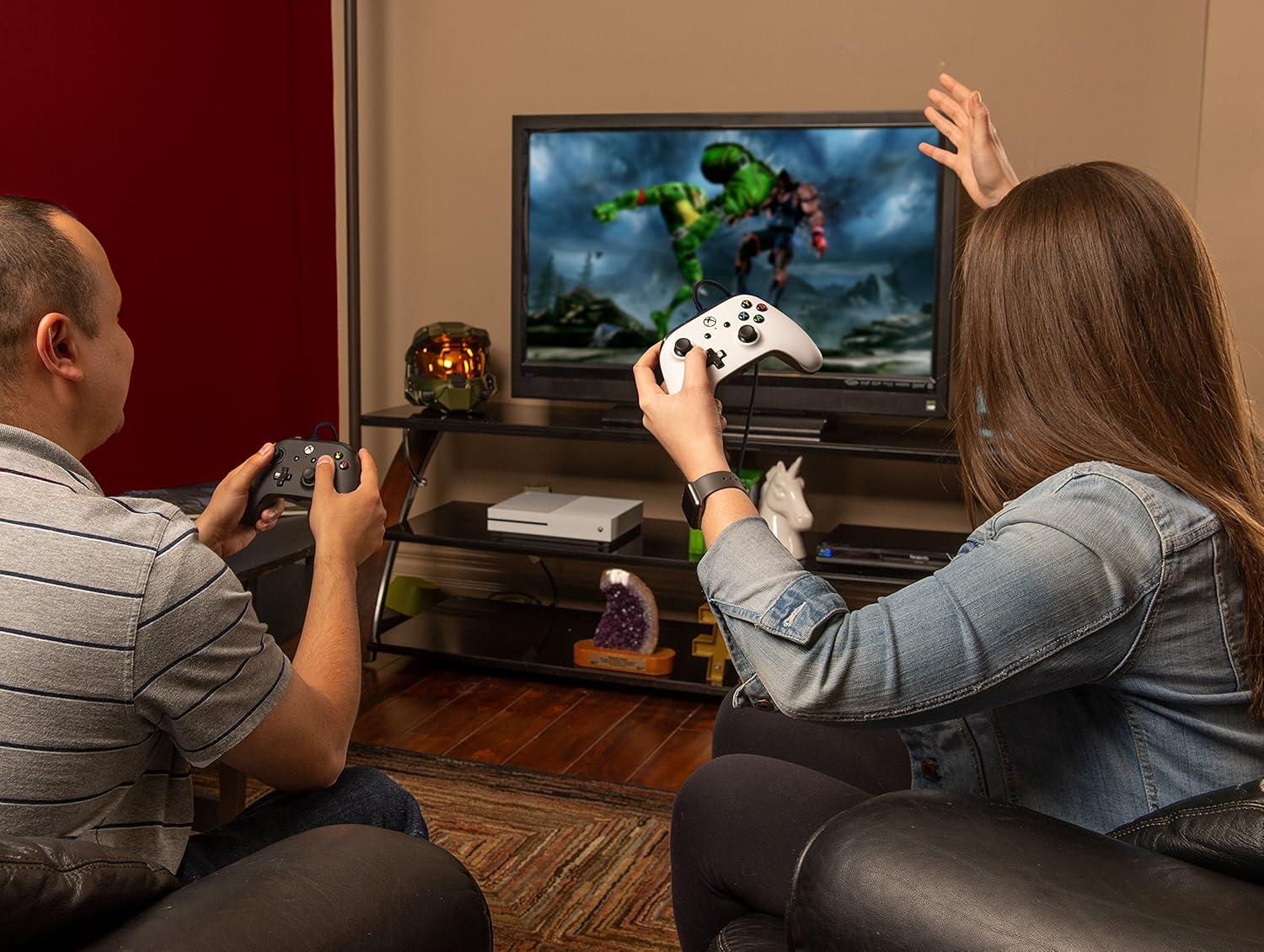
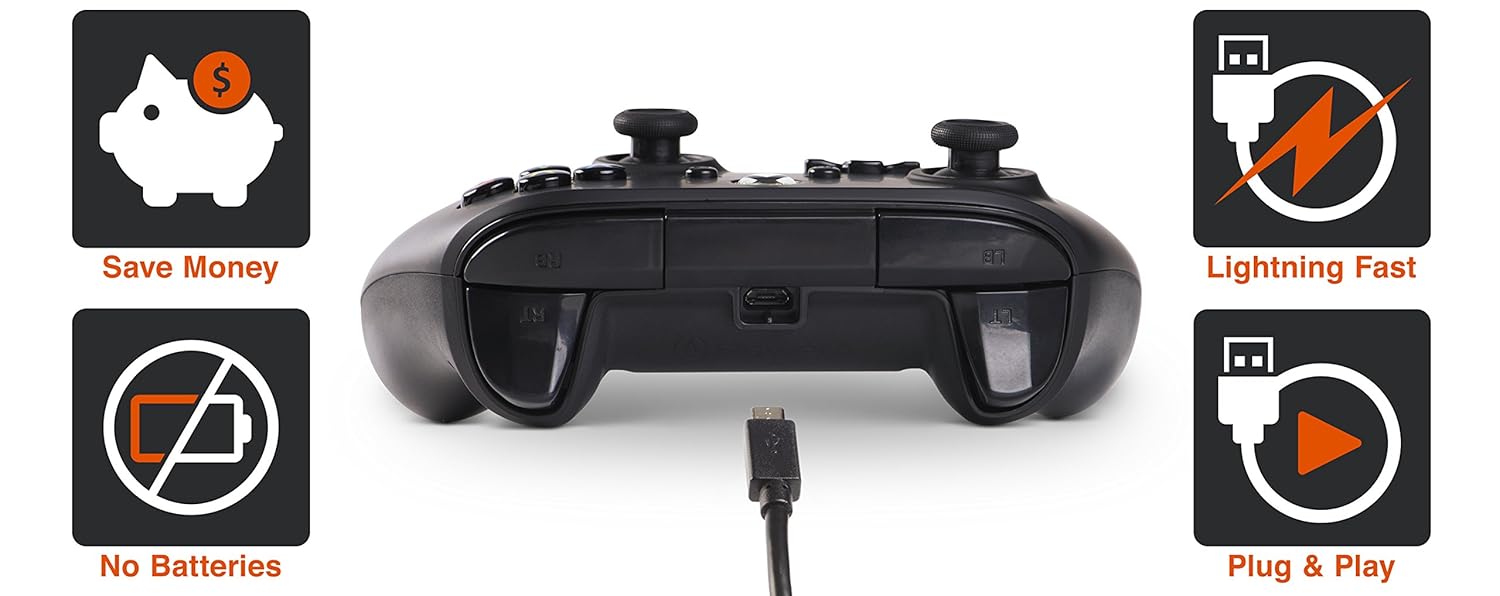
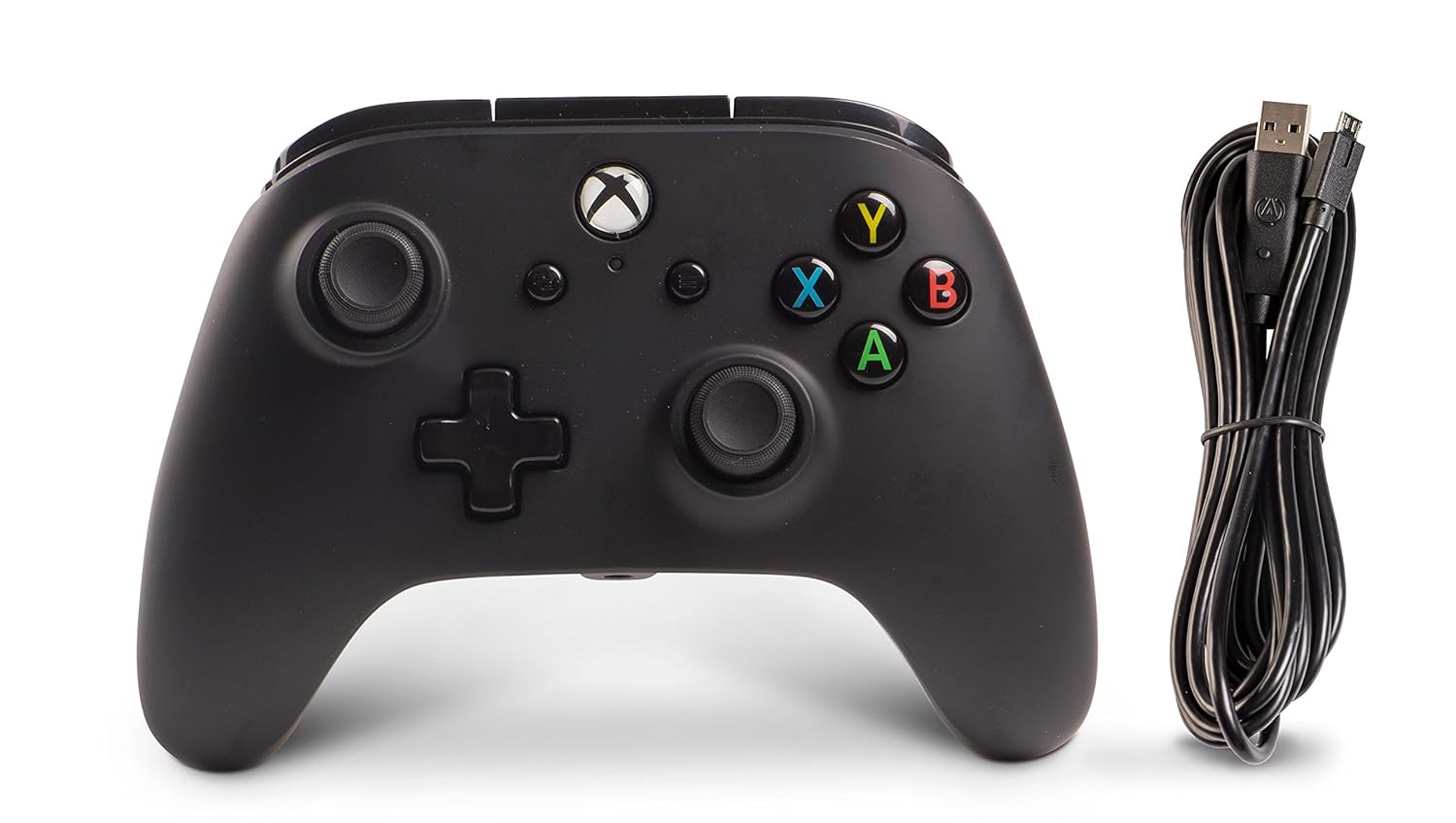
If your fingers are busy with actions that you don’t want to release, you can now map additional actions to 2 buttons on the back of the controller to gain a competitive advantage. There is no app or Dash interaction required - simply press the program button 1 followed by the button you wish to map 2, then select either AGR or AGL 3 to complete the process in less than 5 seconds. This allows for quick on-the-fly button mapping between matches, or as you change characters in your favorite game. View larger At PowerA, our controllers are designed by passionate gamers. Our team has over 2 decades of experience in the gaming industry designing unique controllers across all platforms. The Enhanced Wired Controller line for Xbox One has adopted a design that will feel immediately familiar in your hands with intuitive and ergonomic controls inspired by the best controller on the market. For the price, you’ll be amazed at the features and level of detail included with this controller. 1. Nearly half the cost of wireless. 2. No batteries or charging to manage. 3. Reduced input latency/lag compared to wireless. 4. Instant plug & play connection (no sync required). Get a 2nd controller today and play with your friends and family. Be ready for when your buddies come over to challenge you in your favorite multiplayer game. PowerA controllers offer a quality affordable solution for when you just need a spare or want to celebrate your own personal style with our broad range of unique colors and treatments. The PowerA enhanced wired Controller for Xbox One introduces a new form factor that looks familiar, feels comfortable in your hands, has a soft-touch rubberized Finish, and works with all your games. This Officially Licensed Xbox Controller features two mappable advanced gaming buttons on back, dual rumble motors, and 3.5mm stereo headset jack to enhance your gaming experience. Of course, you'll also find all the basics such as precision-tuned analog sticks, plus shaped d-pad, and standard button/bumper/trigger layout. Getting all these features at nearly half the price of wireless Controllers makes PowerA enhanced Controllers a no-brainer. Finally, our 2-year limited warranty reinforces our commitment to Quality ensuring you can trust PowerA products to perform. Connecting your controller: Connect the small (micro) USB end of the cable into the back of the controller. Connect the large (standard) USB end of the cable into the Xbox One via a USB port. Turn on the Xbox One by either touching the Xbox Button on the console or pressing the Xbox Button on the controller. The white LED indicator above the Xbox Button will light up you are ready to play.
Product Overview
We Recommend


![[2020 Newest Version] Xbox One Wireless Controller, W&O Wireless PC Gamepad with 2.4GHZ Wireless Adapter, Compatible with Xbox One/One S/One X/P3 Host/Windows 7/8/10 (Black): Computers & Accessories](https://images-na.ssl-images-amazon.com/images/I/6160qu-dHIL._AC_SL1500_.jpg)