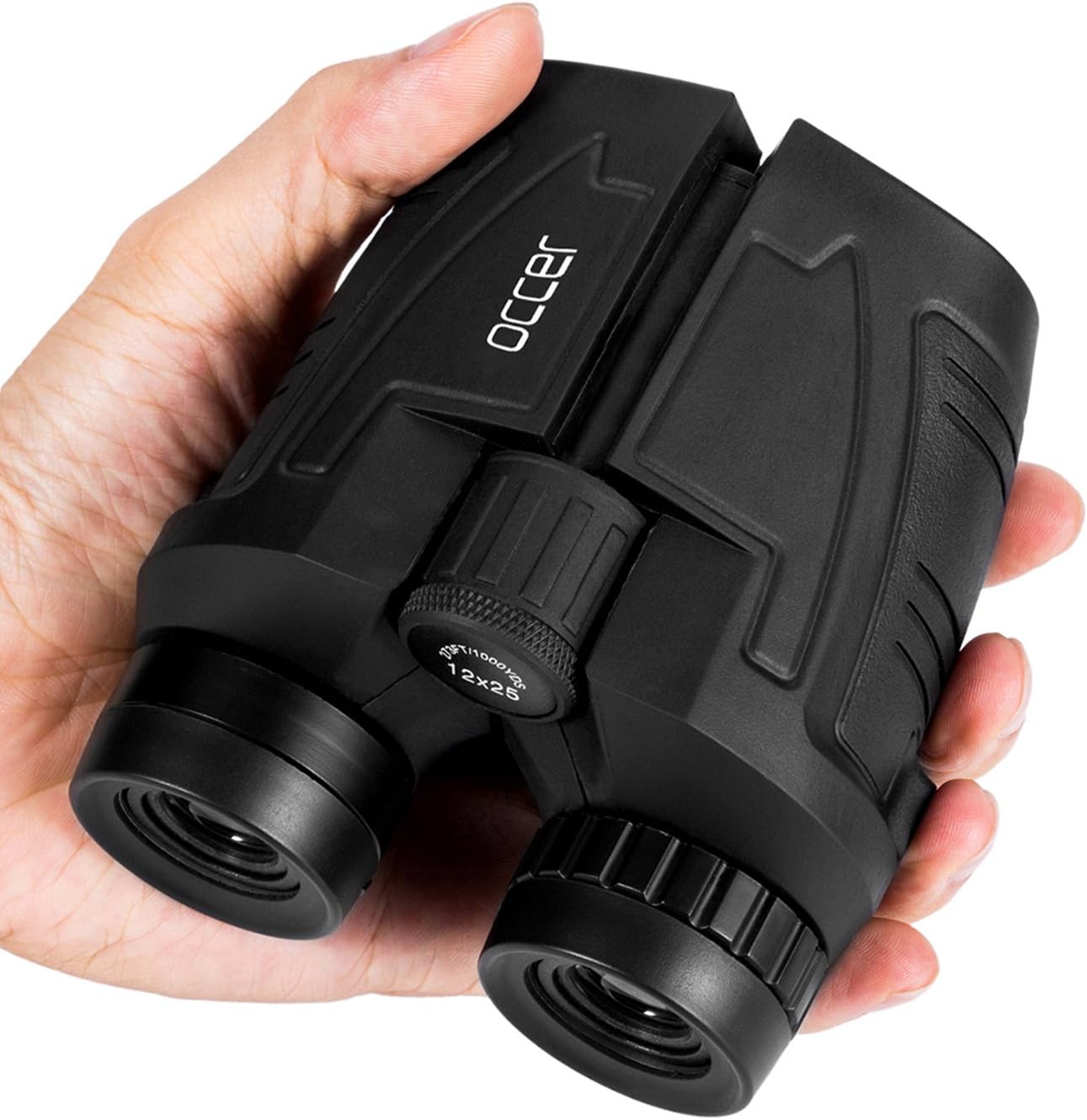

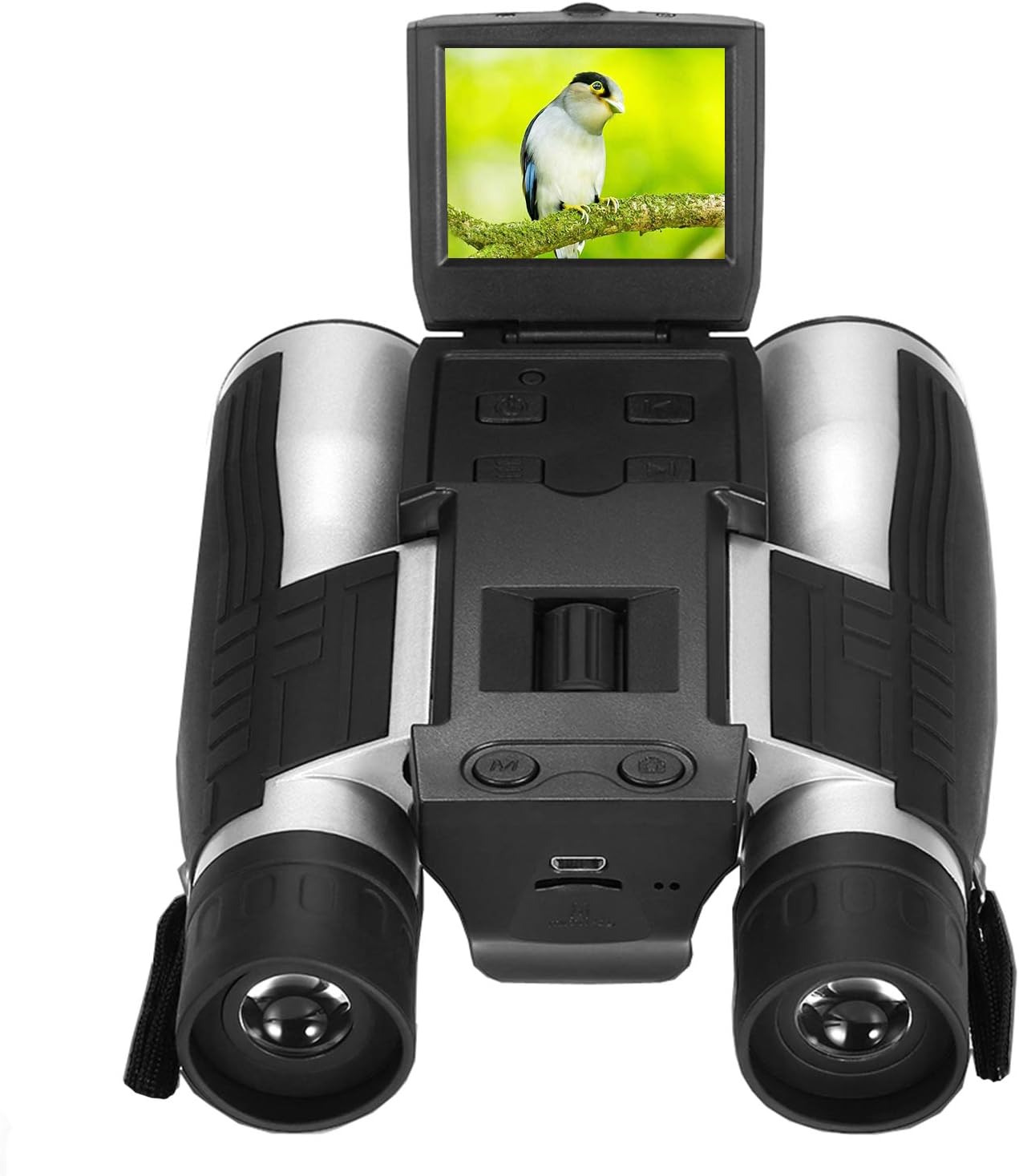

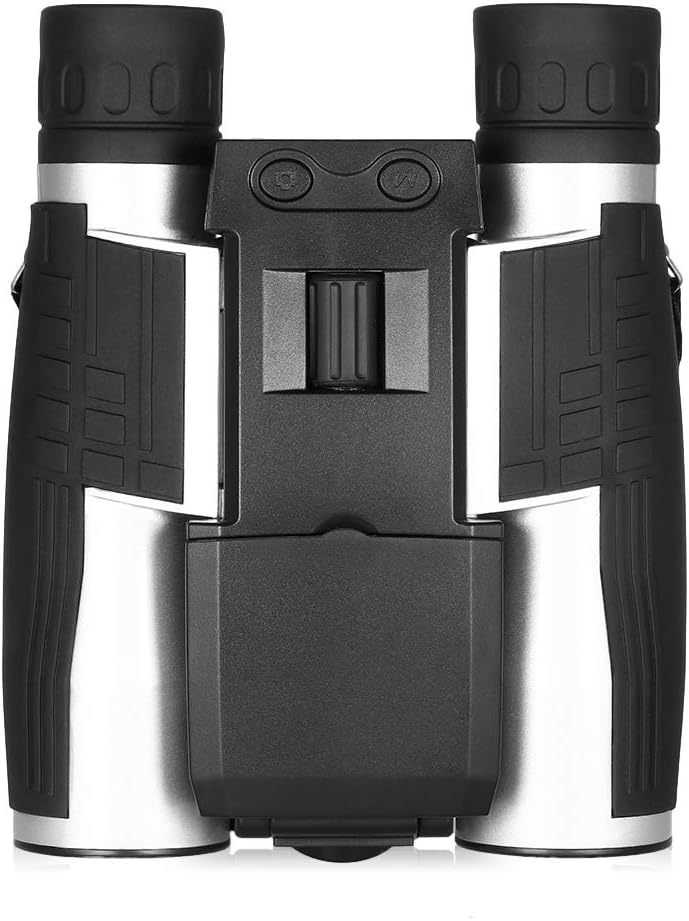
Camonity 5M 2" LCD 16GB Digital Binocular with Camera 12X Zoom Video Photo Recorder Camcorder for Bird Watching Football Game Concert : Camera & Photo
- Category: Binoculars
- Store: Brand: Camonity
Share on:
Description
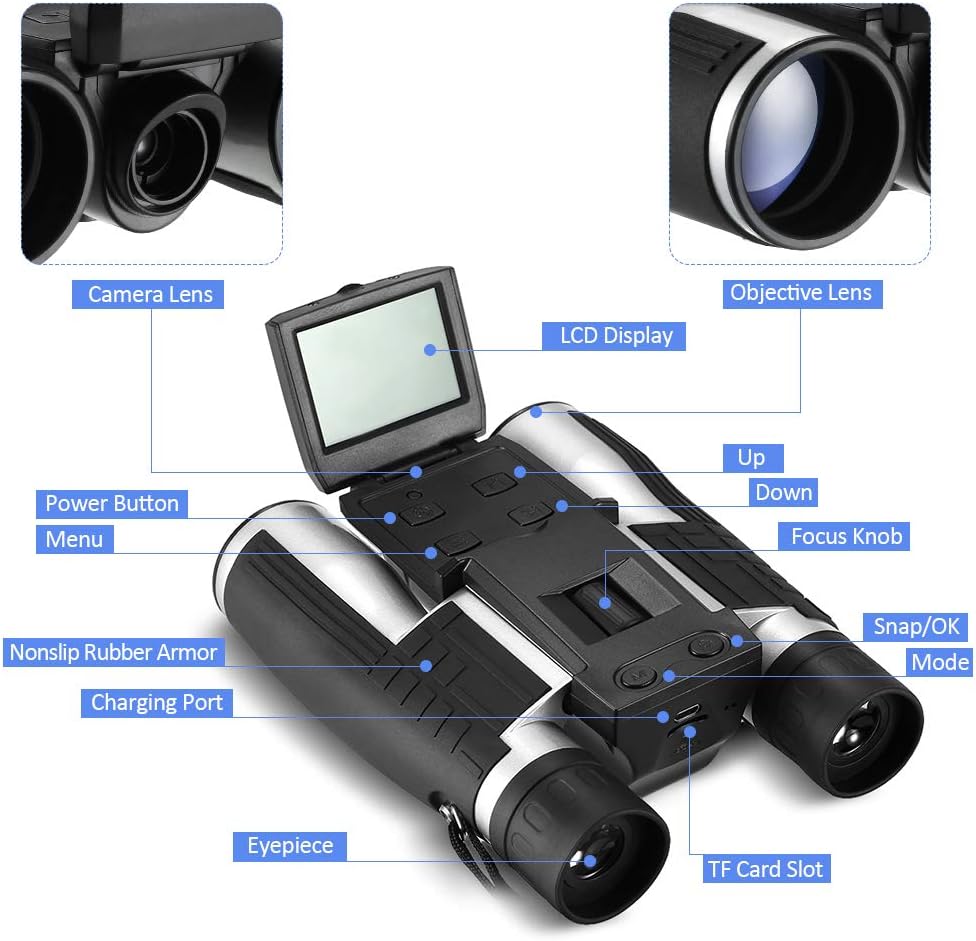
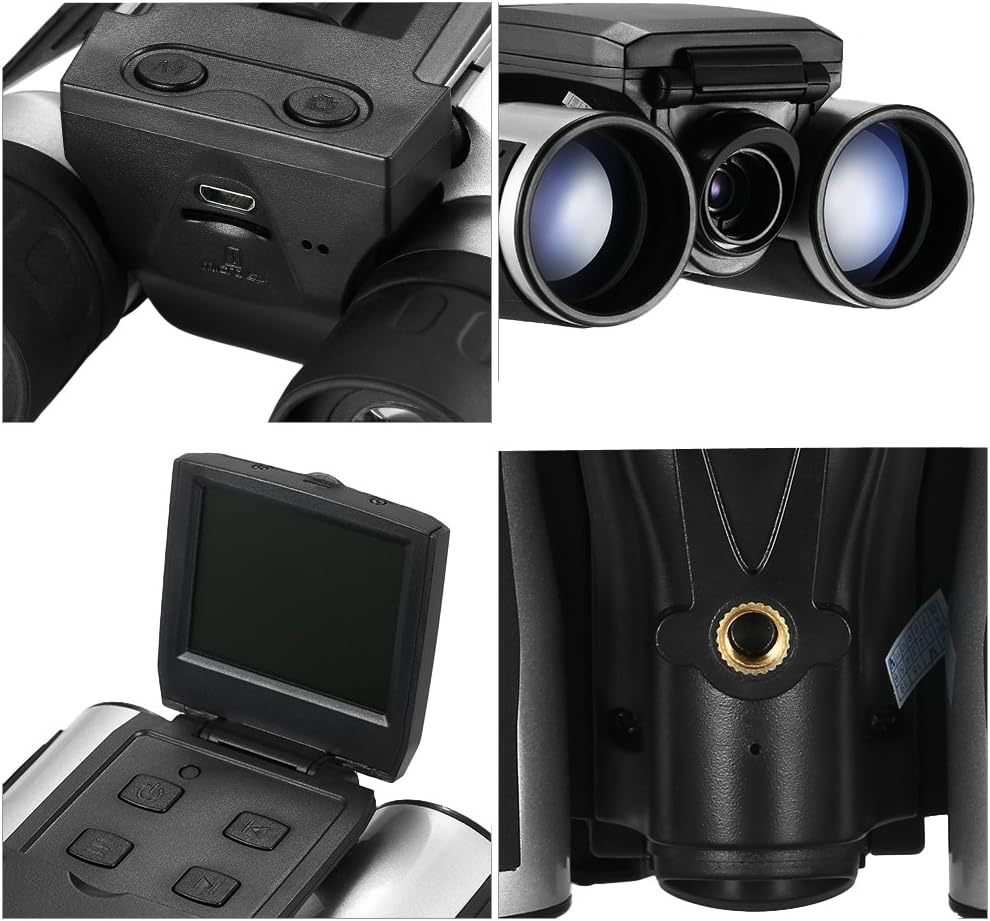
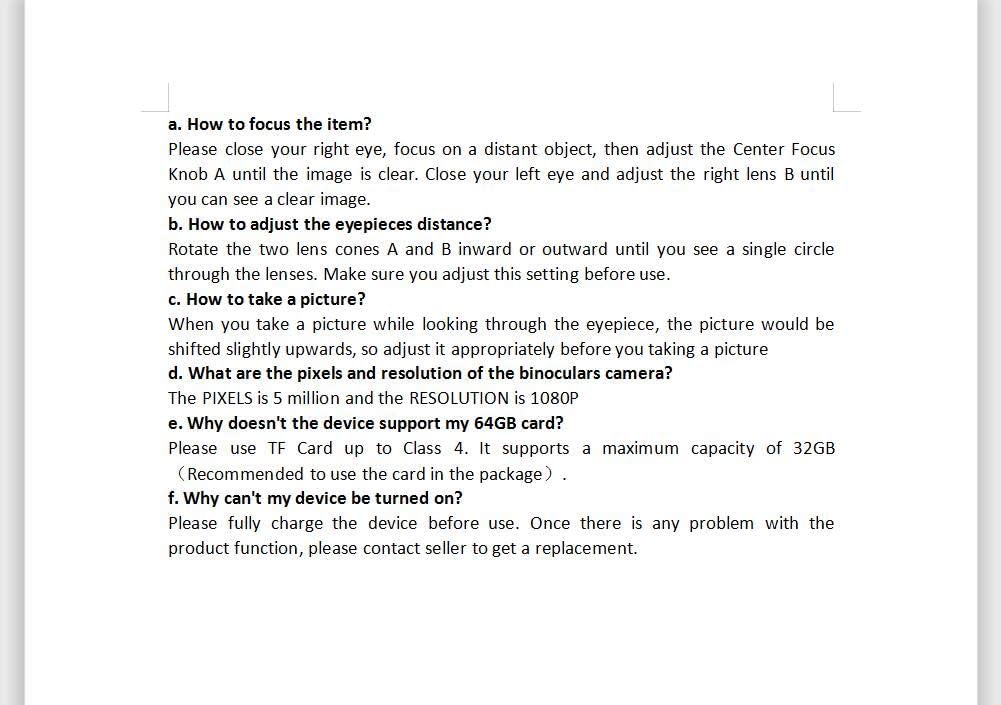
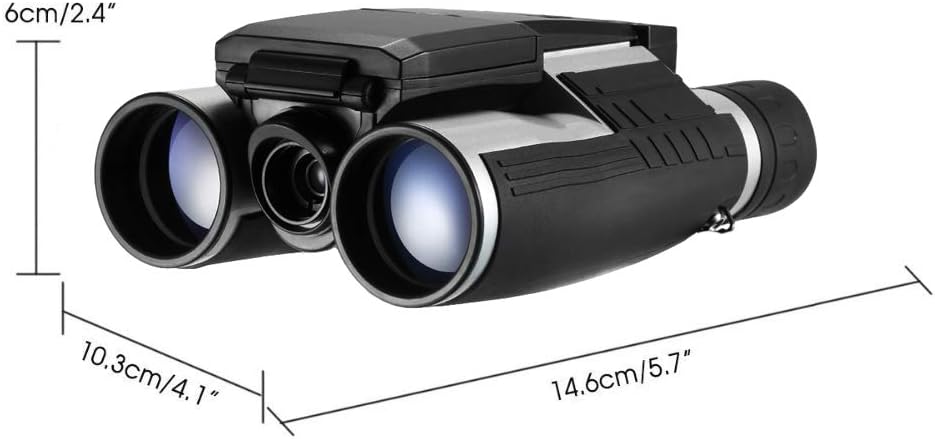
Specification: LCD display: 2.0" LTPS 4:3 Telescope Specification: 12 x 32 Magnification: 12 times 1000M visual field: 96m Exit pupil diameter: 3.8mm Distance of exit pupil diameter: 8mm Minimum focus distance: 8m Video Format: AVI Video Resolution: 1080 FHD 1920 x 1080 / 1080P 1440 x 1080 / 720P 1280 x 720 / WVGA 848 x 480 / VGA 640 x 480 Video Frame Rate: 30 fps Still Image Format: JPEG Still Image Resolution: 5M 2592 x 1944 / 3M 2048 x 1536 / 2M HD 1920 x 1080 / 1.3M 1280 x 960 / VGA 640 x 480 Storage Expansion: TF Max Capacity: 32 GB (16GB TF Card included) (Note: Please use the TF Card up to Class 4, or it does not support Video function.) Support PC connect Web Camera: Support/Free driving Battery: Build-in Lithinm Battery/Support External Mobile Power Supply (5V 1A) Language: Simplified Chinese, Traditional Chinese, Russian, Korean, English, French, Japanese, Italian, German, Spanish Size: Size: 19.3x14.1x7.7cm/7.6x5.6x3.03inch Net weight: 610g/1.34lb Package Included: 1 x HD Digital Telescope 1 x USB cable 1 x Cleaning cloth 1 x 16GB TF Card How to Use The Binoculars? 1. Eyepieces Distance Adjustment Rotate the two lens cones A and B inward or outward until you see a single circle through the lenses. Make sure you adjust this setting before use. 2. Focusing Please close your right eye, focus on a distant object, then adjust the Center Focus Knob A until the image is clear. Close your left eye and adjust the right lens B until you can see a clear image. 3. Taking Picture When you take a picture while looking through the eyepiece, the picture would be shifted slightly upwards, so adjust it appropriately before you taking a picture 4. Downloading Photos and Videos Turn off the binoculars first, connect it with your PC. Select Storage to download the photos and videos
Product Overview
We Recommend