
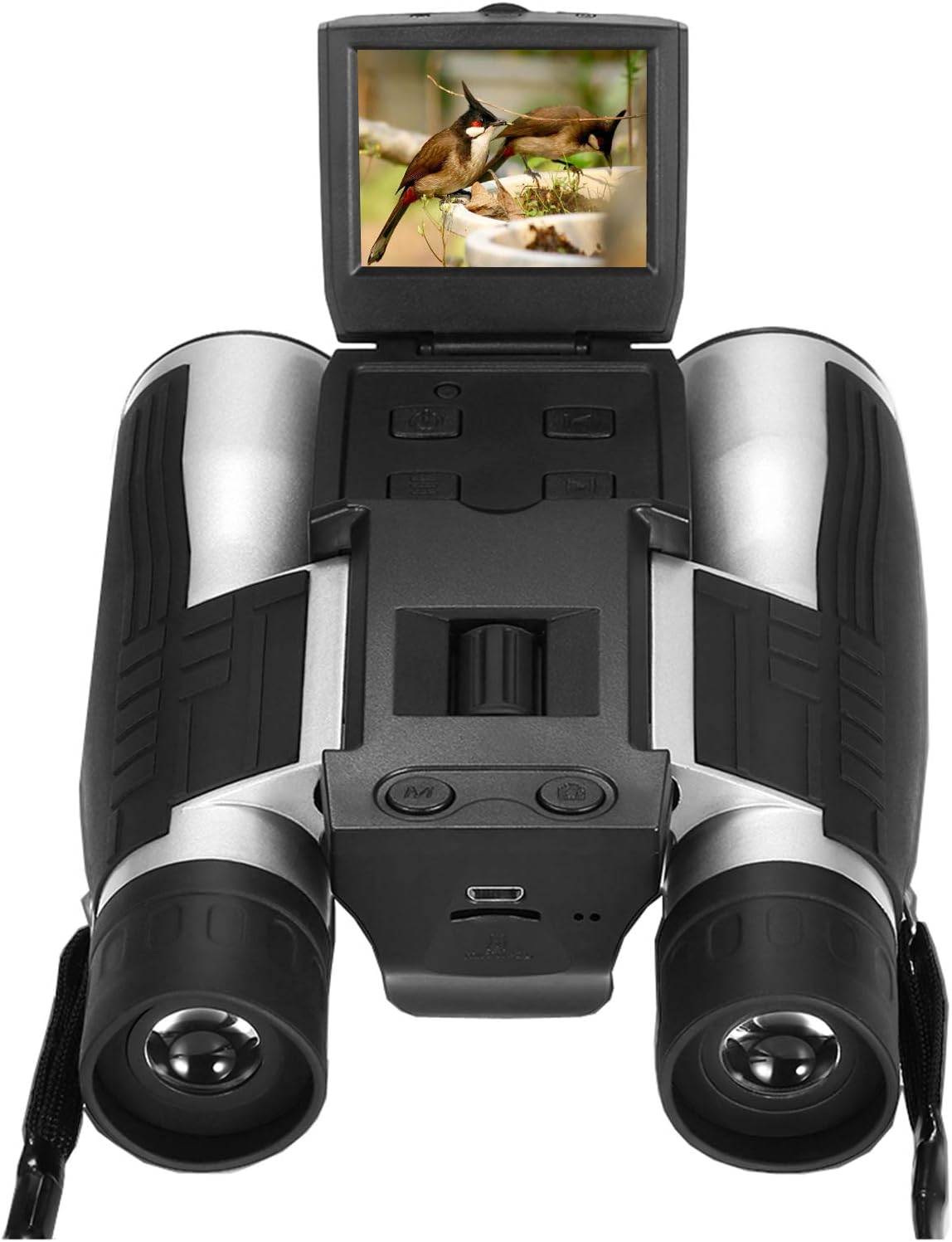
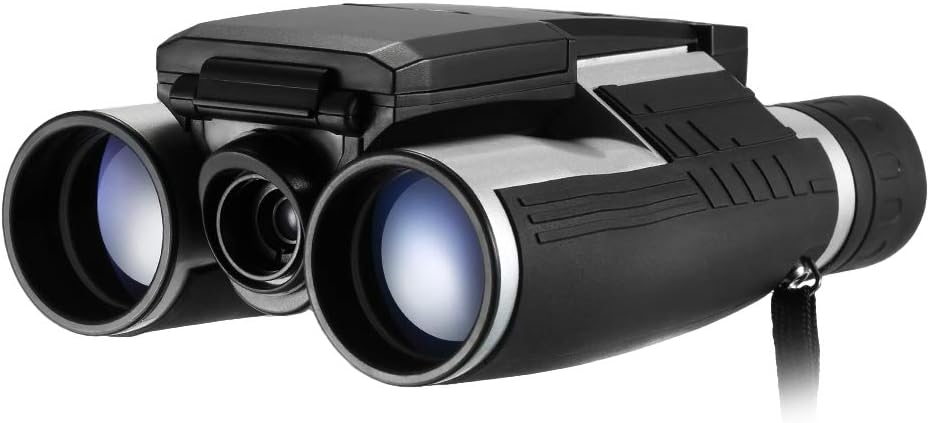

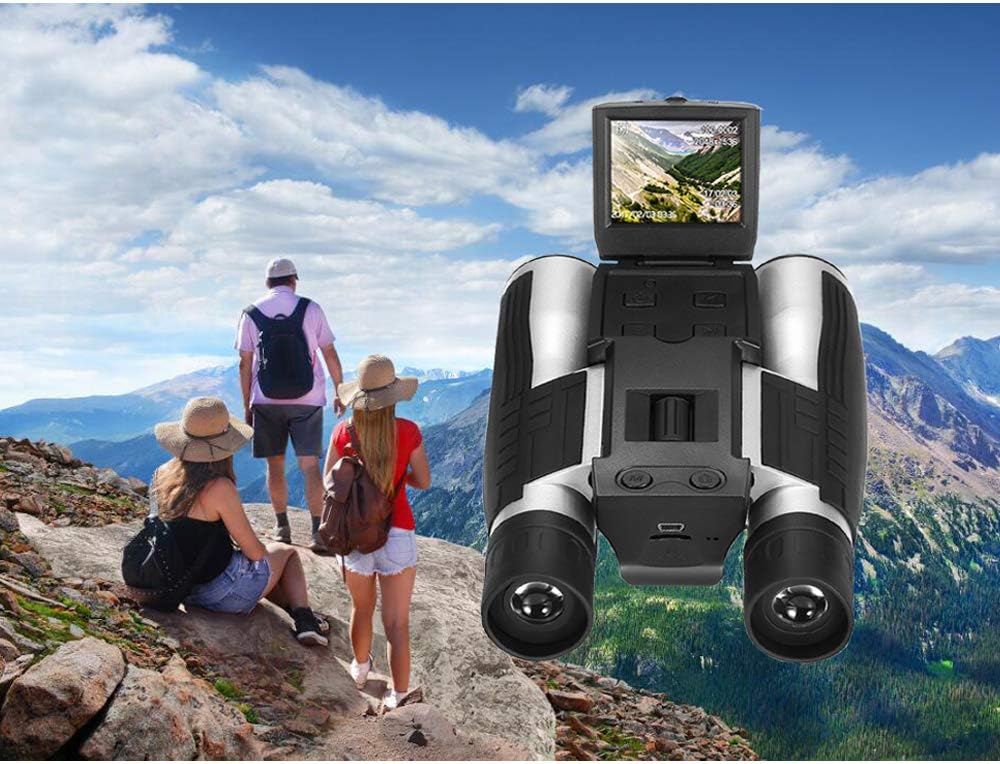
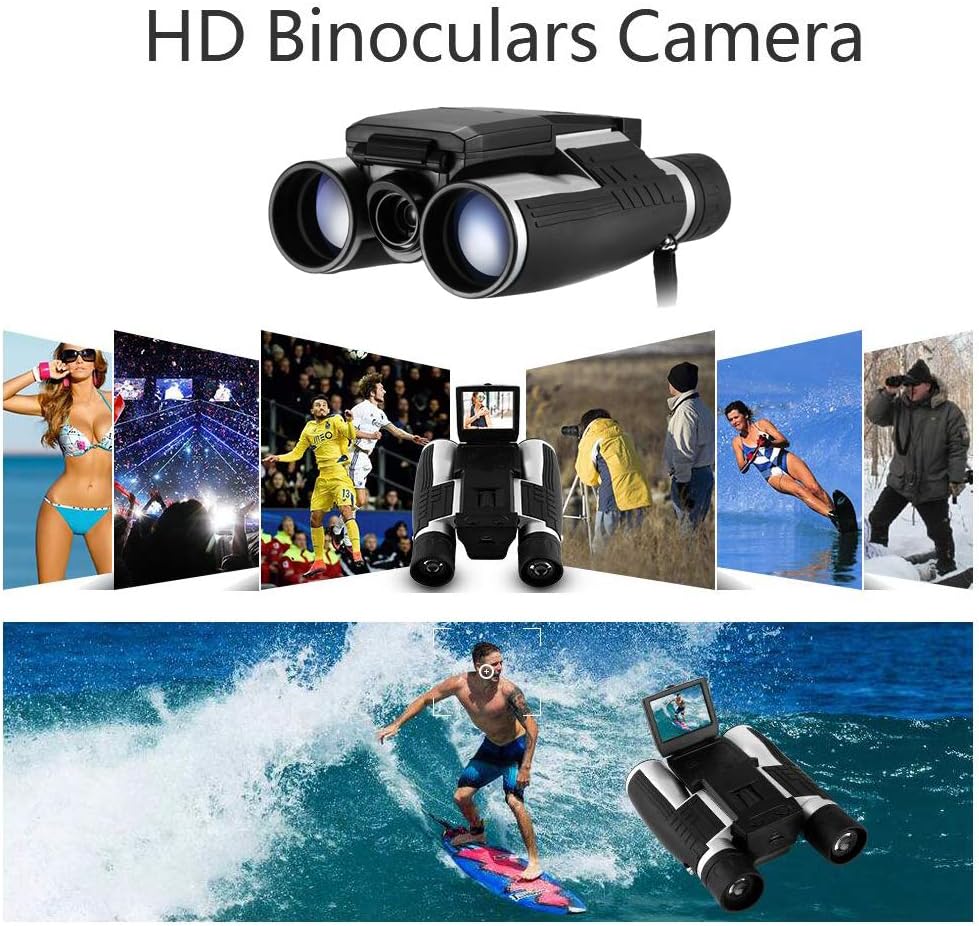
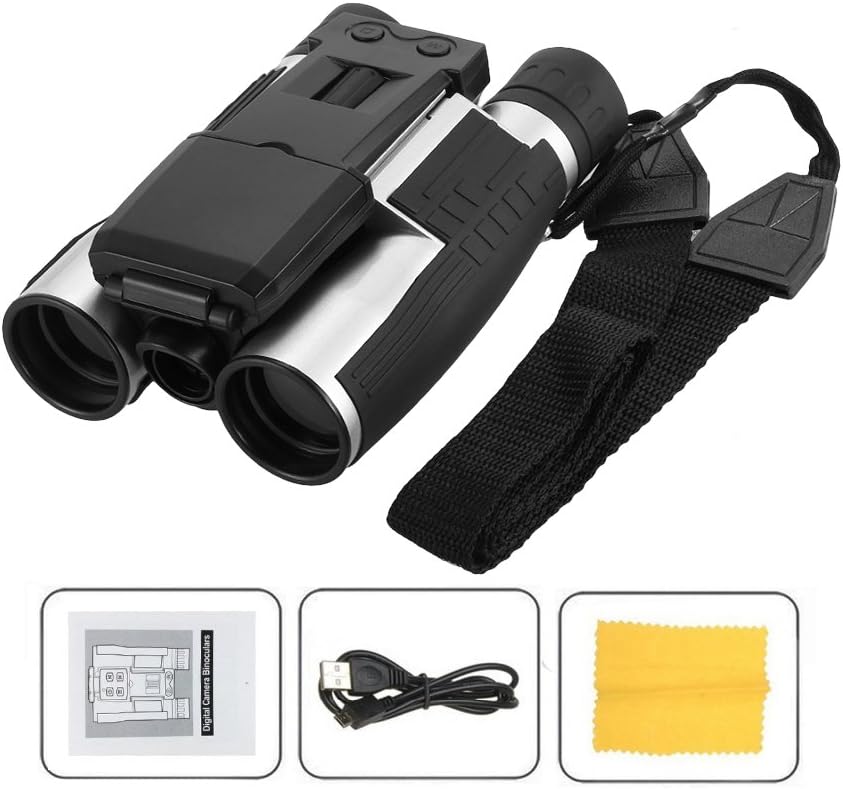
Eoncore 2" LCD Display Digital Camera Binoculars 12x32 5MP Video Photo Recorder Digital Camera Telescope for Watching Bird, Football Game with 8GB TF Card : Camera & Photo
- Category: Binoculars
- Store: Eoncore
Share on:
Description
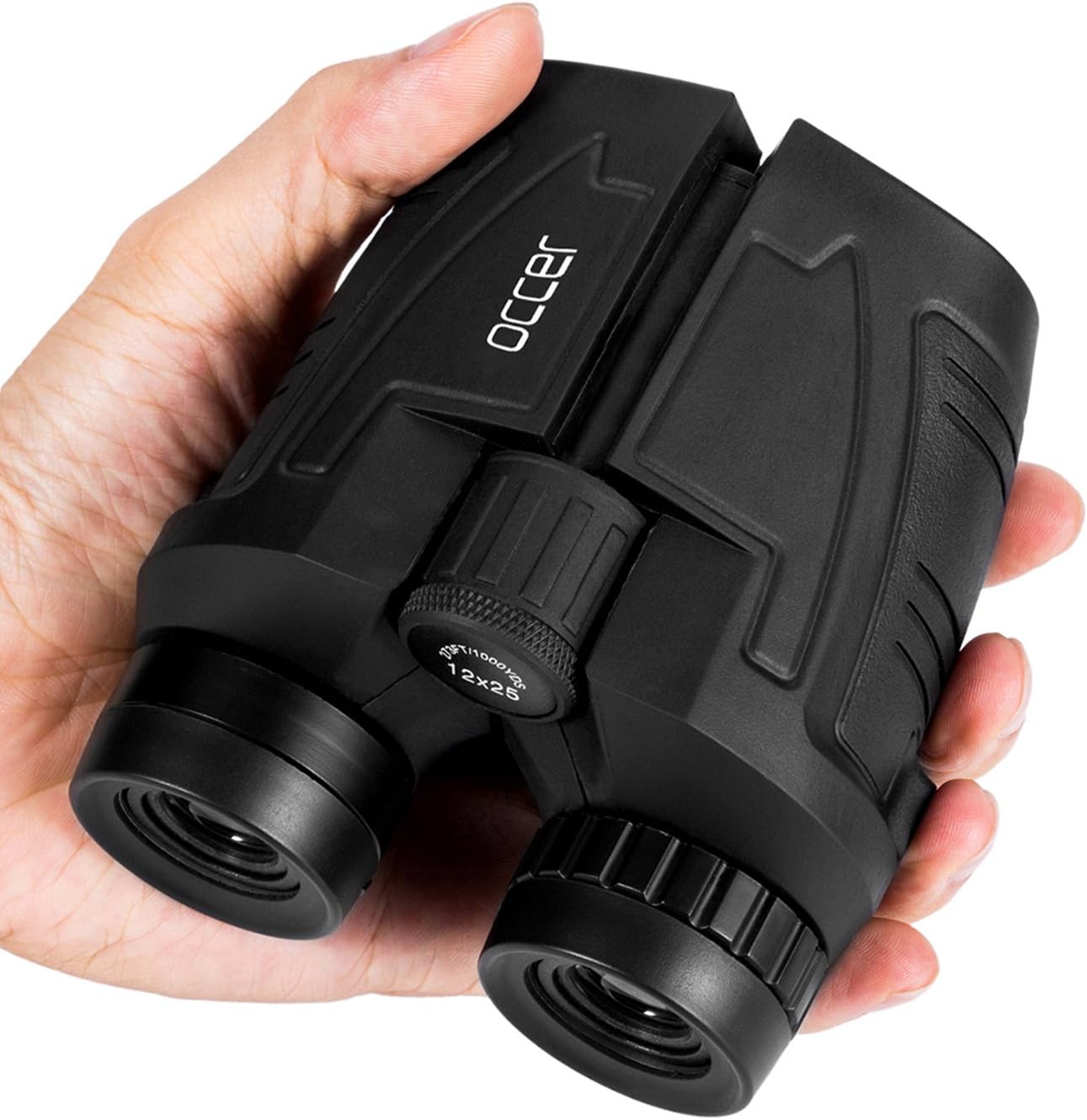
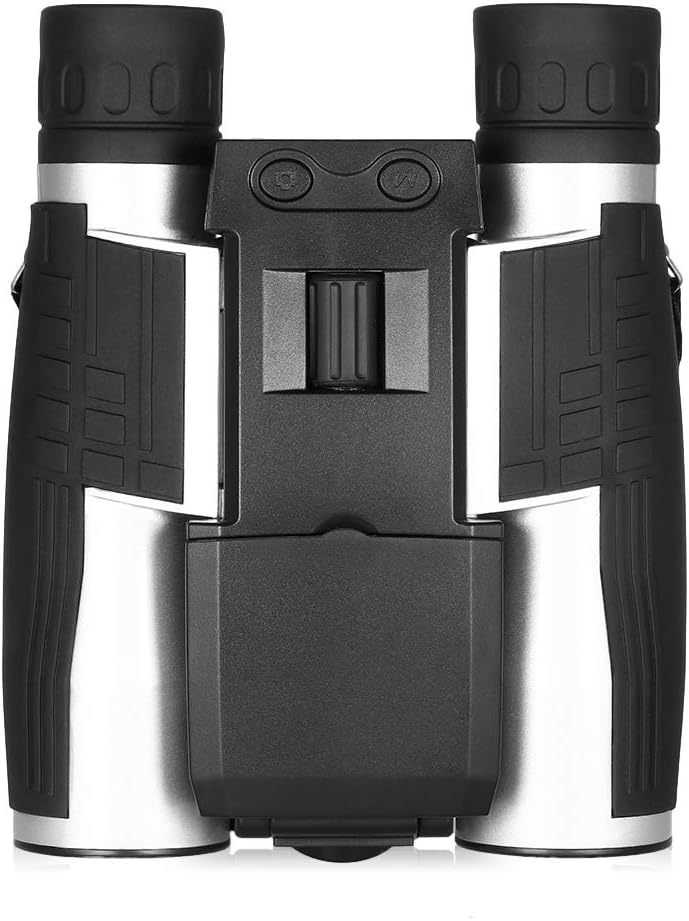
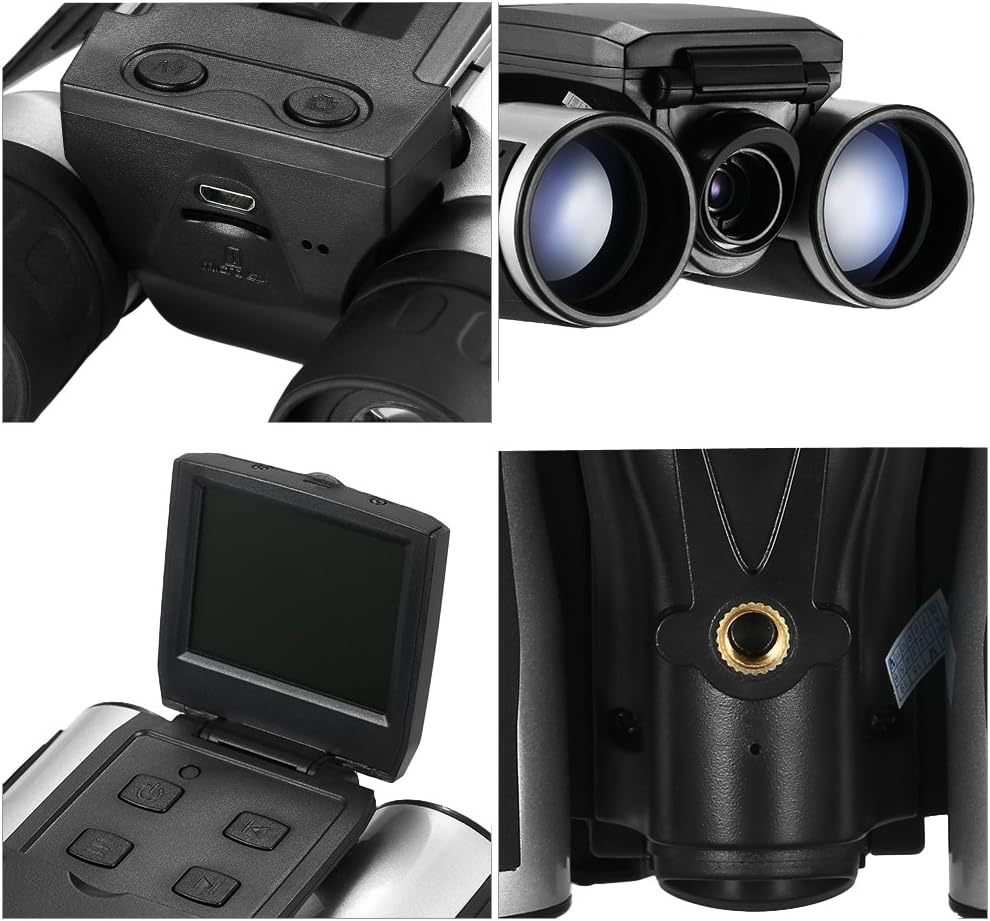
Rotate the two lens cones A and B inward or outward until you see a single circle through the lenses. Make sure you adjust this setting before use. Please close your right eye, focus on a distant object, then adjust the Center Focus Knob A until the image is clear. Close your left eye and adjust the right lens B until you can see a clear image. The power must be off when installing the Micro-SD card. Make sure the Micro-SD card A is inserted in the slot B. When you take a picture while looking through the eyepiece, the picture would be shifted slightly upwards, so adjust it appropriately before you taking a picture
Product Overview
We Recommend